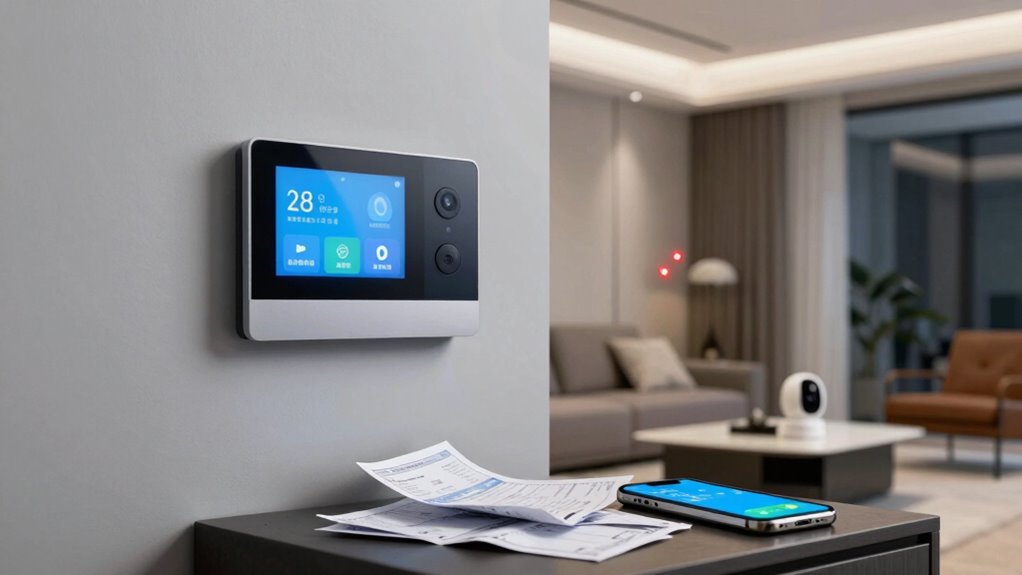
Many smart home mistakes can quickly add up and cost you money. Failing to optimize device settings, leaving appliances on when no one’s home, or misconfiguring thermostats waste energy and drive up utility bills. Skimping on security updates and poorly planning purchases can lead to costly breaches and incompatibility issues. Ignoring maintenance or environmental impacts also bloats expenses over time. Stay aware of these common pitfalls to avoid unnecessary costs—if you keep going, you’ll discover how to prevent them altogether.
Key Takeaways
- Poorly configuring smart thermostats and lighting leads to unnecessary energy consumption and higher utility bills.
- Failing to secure smart devices increases vulnerability to cyberattacks and potential financial loss.
- Neglecting ongoing maintenance and upgrades results in increased costs for repairs and replacements.
- Buying incompatible or redundant devices creates system issues and wastes money.
- Overlooking environmental and long-term support costs can lead to hidden expenses over time.
Smart home technology promises convenience and efficiency, but if you’re not careful, it can lead to costly mistakes. When you set out to automate your house, it’s easy to overlook how certain choices might backfire financially. One common trap is neglecting to prioritize energy efficiency. You might install smart thermostats or lighting systems that claim to save energy, but if you don’t configure them properly, you’ll end up with higher utility bills instead of lower ones. For example, leaving your smart devices running when no one’s home, or setting temperatures too high or too low, wastes energy. It’s tempting to rely on automation without understanding how to optimize it, but that oversight can quickly erode any savings you hoped to achieve.
Furthermore, many people underestimate the importance of privacy concerns. When you connect multiple devices to a central hub, you’re creating a network that’s potentially vulnerable to hacking or data breaches. If you don’t secure your Wi-Fi properly or fail to update device firmware regularly, intruders could access sensitive information or even control your home’s systems. This isn’t just a privacy issue; it can also lead to financial loss if someone manipulates your smart locks or security cameras. You might think you’re protecting your privacy by only using reputable brands, but neglecting basic cybersecurity measures can still leave you exposed. Protecting your privacy isn’t just about avoiding embarrassment—it’s about safeguarding your bank accounts, personal data, and peace of mind. Cybersecurity plays a crucial role in maintaining the safety of your smart home. Additionally, understanding the cost implications of ongoing maintenance and upgrades can help prevent unexpected expenses. Being aware of the longevity of devices and their expected lifespan can also assist in budgeting for replacements and repairs. Incorporating sustainable practices into your smart home choices can also reduce long-term costs and environmental impact.
Neglecting cybersecurity in smart homes risks data breaches, hacking, and financial loss—secure your network and updates consistently.
Another costly mistake involves overbuying or mismatching devices without a clear plan. You might think adding every new gadget is the way to fully automate your home, but that can lead to compatibility issues or redundant features that don’t work well together. This not only wastes money but also creates frustration when devices don’t integrate smoothly. Additionally, skipping professional advice or DIY research can result in purchasing products that don’t fit your home’s needs or that require costly ongoing maintenance.
Finally, ignoring the long-term costs of upgrades and support can catch you off guard. Smart home systems need updates, troubleshooting, and sometimes replacement, which can add up. If you don’t budget for these ongoing expenses, you might find yourself spending more than you initially planned. Being aware of these potential pitfalls helps you make smarter choices, ensuring your smart home remains a source of convenience rather than a financial burden. Being mindful of biodiversity and sustainability principles can also guide you in making eco-friendly decisions that benefit both your wallet and the environment.

ecobee Smart Thermostat Essential – Energy Star Certified programmable Wi-Fi Thermostat – Works with Siri, Alexa, and Google Assistant
Save up to 23% every year on heating and cooling costs, adjusts to your set schedule to save…
As an affiliate, we earn on qualifying purchases.
As an affiliate, we earn on qualifying purchases.
Frequently Asked Questions
How Can I Prevent Smart Home Security Breaches?
To prevent smart home security breaches, you should strengthen your system by updating firmware regularly and enabling strong encryption protocols. Limit user access by creating unique, complex passwords and avoiding shared credentials. Use multi-factor authentication where possible, and disable remote access features when not needed. Regularly review connected devices and remove unfamiliar ones. These steps help secure your smart home against unauthorized access, saving you potential costs and privacy risks.
What Is the Best Way to Update Smart Home Devices?
To keep your smart home devices secure and functioning smoothly, regularly check for firmware updates through the device’s app or settings. Confirm device compatibility before updating to avoid issues. Updating firmware not only improves performance but also patches security vulnerabilities. Set a reminder to update devices consistently, especially after major software releases. This proactive approach helps prevent costly problems and keeps your smart home running efficiently and safely.
Are There Hidden Costs in Smart Home Installation?
Yes, there can be hidden costs in smart home installation. You might encounter hidden fees for professional setup or additional equipment needed for compatibility. Installation challenges can also arise, requiring you to buy extra tools or hire experts, which increases expenses. Be prepared for unexpected costs by researching upfront, asking about all potential charges, and ensuring you understand the full scope of installation requirements before starting.
How Do I Troubleshoot Smart Home Device Connectivity Issues?
To troubleshoot smart home device connectivity issues, start by checking your device firmware to guarantee it’s up to date, as outdated firmware can cause connection problems. Next, verify your network stability by restarting your router or modem. Move your device closer to the router if signals are weak, and make sure your Wi-Fi settings are correct. These steps help maintain a reliable connection and resolve most connectivity issues quickly.
Can Smart Home Devices Increase My Energy Bills?
Yes, smart home devices can increase your energy bills if you’re not careful. Some devices consume more energy due to high usage or inefficient operation, raising your energy consumption unexpectedly. Plus, incompatible devices may work inefficiently or turn on unnecessarily, causing hidden costs. To avoid surprises, verify device compatibility and monitor your energy usage regularly. Staying vigilant helps you enjoy smart home benefits without costly surprises.

Kasa 1080p Indoor Pan/Tilt Wired Security Camera – Works as a Baby & Pet Monitor, Motion Detection & Tracking, 2-Way Audio, Night Vision, Subscription-Free Local Storage or Optional Cloud, EC71
【Up, Down, All Around】This Pan/Tilt IP camera see everything across an entire room or walkway with the 360°…
As an affiliate, we earn on qualifying purchases.
As an affiliate, we earn on qualifying purchases.
Conclusion
Avoiding these smart home mistakes keeps your tech as reliable as Icarus’ wings—soaring high but not crashing down. By paying attention to security, updates, and proper setup, you safeguard your investment and enjoy seamless convenience. Remember, even Daedalus knew the importance of a steady hand and wise choices; your smart home’s success depends on your vigilance. Stay attentive, learn from others’ missteps, and let your smart home truly work for you—no unintended fall from the sky.

TP-Link AX1800 WiFi 6 Router (Archer AX21) – Dual Band Wireless Internet, Gigabit, Easy Mesh, Works with Alexa – A Certified for Humans Device, Free Expert Support
DUAL-BAND WIFI 6 ROUTER: Wi-Fi 6(802.11ax) technology achieves faster speeds, greater capacity and reduced network congestion compared to…
As an affiliate, we earn on qualifying purchases.
As an affiliate, we earn on qualifying purchases.

Smart Home Starter Kit | Includes Echo Hub, Amazon Smart Plug and 4 Amazon Basics Smart Bulbs, Designed for Alexa+
Getting started with smart home has never been easier – An all-in-one kit with a quick guided setup…
As an affiliate, we earn on qualifying purchases.
As an affiliate, we earn on qualifying purchases.