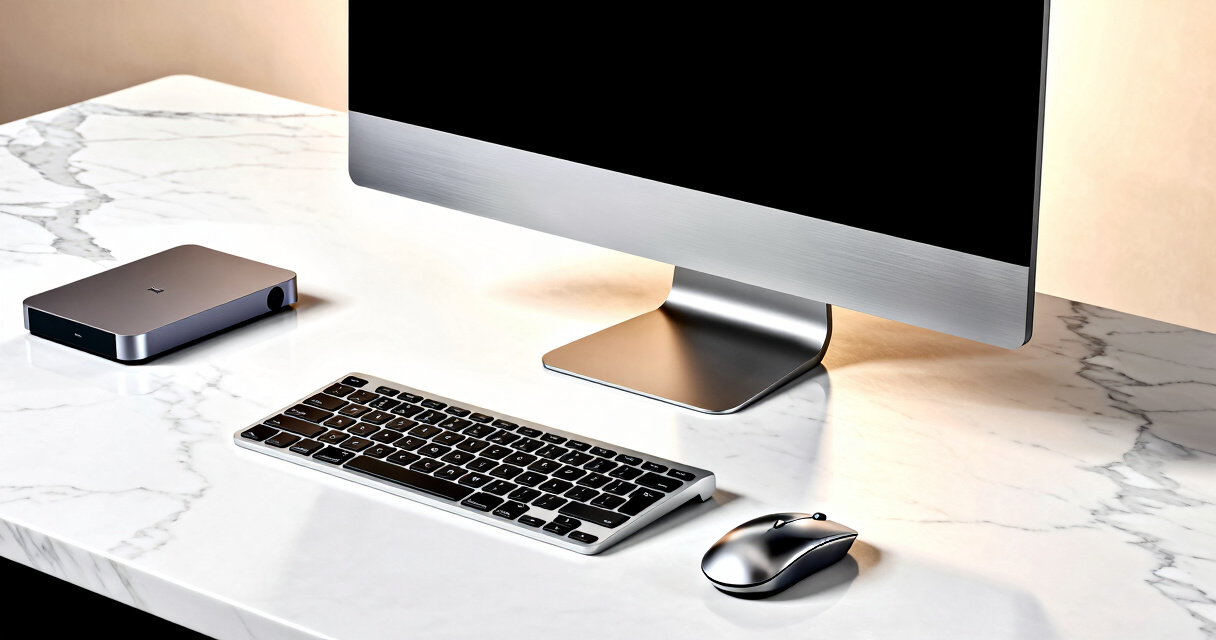
Choosing the best desktop computer in 2026 depends on your specific needs, whether it’s for work, gaming, or everyday use. The Dell 27 All-in-One Desktop ec27250 stands out as the overall best due to its robust performance and sleek design, ideal for multitasking and media consumption. For budget-conscious buyers, the HP 22-inch All-in-One offers solid features at a lower price point, though it sacrifices some power. Meanwhile, the Apple 2024 iMac appeals to creatives and those invested in the Apple ecosystem, boasting a stunning Retina display and powerful M4 chip. The main tradeoffs in this category generally involve balancing performance, price, and form factor. Keep reading for a full breakdown of these options and how to find the right desktop for you.
Key Takeaways
- Performance varies significantly from basic models with Intel Core i3 processors to high-end options with i7 or Ryzen 7 chips.
- All-in-One designs are increasingly popular for saving space, but they often come with less upgradeability compared to tower desktops.
- Memory and storage capacity are key for future-proofing, especially for intensive tasks like video editing or gaming.
- Premium brands like Apple focus on design and ecosystem integration, but often at a higher price point.
- Budget options can deliver surprisingly good value for everyday tasks, but may fall short on power and longevity.


More Details on Our Top Picks
Dell 24 All-in-One Desktop ec24250 – 23.8-inch FHD Display, Intel Core i3, 8GB DDR5, 512GB SSD, Windows 11 Home, White
This Dell 24 All-in-One stands out for its compact design and vibrant display, making it ideal for users who want a space-efficient setup. Compared to the larger 27-inch models, it saves desk space but sacrifices some visual immersion. Its Intel Core i3 processor and 8GB DDR5 RAM deliver solid performance for browsing, office work, and media consumption, though it may struggle with heavy multitasking or demanding apps. The 512GB SSD ensures quick boot times and app loading, but the lack of dedicated graphics limits gaming or creative tasks. This model’s onboard support and included migration service add convenience for less tech-savvy buyers. It’s best suited for students, small home offices, or casual users who prioritize simplicity and compactness.
Pros:- Vivid, true-to-life display with HDR technology
- Fast SSD storage and modern DDR5 RAM for smooth performance
- Onsite support and data migration service included
Cons:- Processor may limit performance during intensive tasks
- Limited to 8GB RAM, potentially insufficient for heavy multitasking
- No dedicated graphics card for gaming or graphics-heavy work
Best for: Small space users, students, or casual home office workers who need reliable performance without high-end specs
Not ideal for: Power users or gamers who require dedicated graphics or high multitasking capacity
- Display:23.8-inch FHD IPS
- Processor:Intel Core i3 100U
- RAM:8GB DDR5
- Storage:512GB SSD
- Operating System:Windows 11 Home
- Color:White
Bottom line: This all-in-one is perfect for users seeking a space-saving, reliable PC for everyday tasks in small homes or offices.
Dell 27 All-in-One Desktop ec27250-27-inch FHD Display, Intel Core i7, 16GB DDR5, 1TB SSD, Windows 11 Home
This Dell 27-inch model is tailored for users who want a larger, more immersive display and stronger performance, making it a step above the 24-inch ec24250. Its Intel Core i7 processor, combined with 16GB DDR5 RAM and a 1TB SSD, handles demanding multitasking, creative projects, and media editing with ease. The larger, high-quality IPS screen with HDR enhances visual clarity, while the adjustable stand and privacy camera add versatility. However, this premium build comes at a higher price, and the 1-year onsite support may be a concern for users seeking extended coverage. This all-in-one is ideal for professionals, content creators, or home users wanting a sleek, powerful machine for intensive tasks.
Pros:- Vivid, HDR-enabled display with eye comfort features
- Powerful Intel Core i7 processor and fast SSD
- Adjustable stand and privacy features enhance usability
Cons:- Premium price may be restrictive for some budgets
- Limited to 1-year onsite support, which might not suffice for long-term reliability
Best for: Creative professionals, power users, or home office workers who need a large, high-performance machine
Not ideal for: Budget-conscious buyers or those needing extended service plans beyond one year
- Display:27-inch FHD IPS
- Processor:Intel Core i7 150U
- Graphics:Intel Graphics
- RAM:16GB DDR5
- Storage:1TB SSD
- Operating System:Windows 11 Home
Bottom line: This model makes the most sense for users demanding a large, high-performance all-in-one with premium features, despite its higher cost.
HP 27-inch All-in-One Desktop PC with FHD Display, AMD Ryzen 7 7730U, 32 GB RAM, 1 TB SSD, Windows 11 Home
This HP 27-inch All-in-One balances powerful specs with eco-friendly credentials, making it ideal for users who need substantial multitasking capability. Its AMD Ryzen 7 7730U processor and 32GB of RAM allow smooth handling of demanding applications and extensive multitasking, surpassing many Intel-based all-in-ones. The 1TB SSD ensures quick data access, while the high-resolution display offers excellent clarity. The environmentally conscious certifications (ENERGY STAR and EPEAT Gold) appeal to eco-aware buyers. However, the all-in-one design limits upgrade options, and the absence of dedicated graphics may restrict high-end gaming or graphics-intensive work. This choice suits home workers or creative users seeking a balance of power, efficiency, and sustainability.
Pros:- Powerful AMD Ryzen 7 processor for multitasking
- High memory and storage capacity
- Eco-friendly certifications (ENERGY STAR, EPEAT Gold)
Cons:- Limited upgradeability due to all-in-one design
- No dedicated graphics card for gaming or intensive graphics tasks
Best for: Home professionals, multitaskers, or environmentally conscious users needing robust performance
Not ideal for: Gamers or users requiring dedicated graphics for high-end gaming or 3D work
- Display:27-inch FHD
- Processor:AMD Ryzen 7 7730U
- RAM:32 GB
- Storage:1 TB SSD
- Graphics:AMD Radeon Graphics
- Certifications:ENERGY STAR, EPEAT Gold
Bottom line: This environmentally friendly all-in-one is best for power users who prioritize performance and sustainability over upgrade flexibility.
Dell Tower Desktop ECT1250 – Intel Core Ultra 7-265, 32GB RAM, 1TB SSD, UHD Graphics, Windows 11 Home
This Dell tower offers a significant upgrade path and robust performance for users who prefer a traditional desktop setup. With an Intel Core Ultra 7-265 processor and 32GB RAM, it easily handles multitasking, productivity, and even some creative work. The 1TB SSD ensures quick load times, and the inclusion of UHD Graphics supports moderate gaming or multimedia tasks. Its support for multiple monitors and tool-less upgrades make it highly adaptable, suitable for home offices or small business environments. However, it lacks a dedicated high-end graphics card, which could limit performance in graphics-heavy applications. Compared to the all-in-ones, this tower provides more flexibility for future upgrades and expansion.
Pros:- Powerful Intel Core Ultra processor with AI support
- Supports multiple monitors and easy upgrades
- Modern, compact tower design with security features
Cons:- No dedicated high-end graphics card
- Limited to basic onsite support (1 year)
Best for: Power users, home offices, or small business owners needing a flexible, upgradeable desktop
Not ideal for: Users who prefer a compact all-in-one or need high-end gaming graphics
- Processor:Intel Core Ultra 7-265
- Memory:32GB
- Storage:1TB M.2 SSD
- Graphics:UHD Graphics
- Operating System:Windows 11 Home
- Connectivity:Supports up to four FHD monitors or two 4K displays
Bottom line: This desktop is ideal for users who value upgradeability, multitasking, and a traditional tower form over compactness or high-end gaming capacity.
Dell OptiPlex Desktop PC with 22-Inch Monitor, Intel Core i5, 16GB RAM, 2TB HDD, Windows 11 Pro (Renewed)
This renewed Dell OptiPlex stands out for delivering solid performance at an affordable price, especially with its 16GB RAM and 2TB HDD, making it a dependable choice for multitasking and storage. Compared to the HP 2025, it offers a more powerful processor—an Intel Core i5 (3rd Gen)—which translates into better handling of demanding software, though the older CPU means it lags behind newer models in raw speed. The included 22-inch Full HD monitor is a practical size for most workspaces, and the RGB keyboard and mouse add a touch of personality. The main tradeoff is the HDD, which is slower than SSDs and could bottleneck performance during intensive tasks. The renewed status may also limit warranty support. Overall, this model makes the most sense for users prioritizing reliable multitasking and ample storage over the latest hardware advancements.
Pros:- Powerful Intel Core i5 processor for everyday tasks
- Large 16GB RAM supports multiple applications simultaneously
- Includes a high-quality 22-inch Full HD monitor
- RGB accessories add aesthetic appeal
Cons:- Renewed product may have limited warranty coverage
- Older 3rd Gen CPU lags behind newer processors in speed
- Slow HDD storage instead of SSD
Best for: Small business users and home office workers needing dependable multitasking and ample storage.
Not ideal for: Gamers or creative professionals requiring high-end graphics or fast SSD performance.
- Processor:Intel Core i5 3rd Gen 3.2 GHz
- RAM:16GB
- Storage:2TB HDD
- Monitor:22 Inch Full HD LED (1920×1080), 75Hz
- Operating System:Windows 11 Pro
- Connectivity:WiFi
Bottom line: This desktop is best suited for users seeking a reliable, well-rounded machine for work and entertainment on a budget.
HP 2025 22″ FHD All-in-One Desktop Computer • The New Version for Everyday Use • Latest 13th Gen Intel Quad-Core CPU • 8GB DDR5 • 128GB Storage • HDMI • Type-C • Wi-Fi • HD Webcam • Win11 Pro • Black
This HP 2025 all-in-one offers a modern design with a 21.5-inch Full HD display and the latest 13th Gen Intel processor, making it a suitable choice for everyday browsing, document editing, and light multitasking. Unlike the Lenovo 24-inch AIO, it provides a more recent CPU, which improves responsiveness, though its 8GB RAM and 128GB storage limit its capacity for heavy multitasking or large files. The integrated HDMI and Type-C ports support versatile connectivity, and the Wi-Fi 6 ensures fast internet speeds. A key tradeoff is its limited upgrade potential due to the all-in-one form factor and modest storage capacity, which could be restrictive for some users. Its sleek appearance and current hardware make it ideal for students and home users who prioritize simplicity and affordability.
Pros:- Latest 13th Gen Intel quad-core CPU for smooth performance
- Vivid 21.5-inch FHD display with anti-glare coating
- Built-in webcam with privacy shutter
- Wi-Fi 6 and modern ports for connectivity
Cons:- Limited upgrade options due to all-in-one design
- Only 128GB storage, which may fill quickly
- No dedicated graphics card for demanding visual tasks
Best for: Home users and students needing a compact, efficient computer for basic tasks.
Not ideal for: Power users or creative professionals requiring extensive storage or high-end graphics.
- Processor:Intel 13th Gen N100, 4 cores, up to 3.4GHz
- RAM:8GB DDR5
- Storage:128GB UFS
- Display:21.5-inch FHD
- Webcam:HD built-in
- Connectivity:WiFi 6, Bluetooth 5.3
Bottom line: This all-in-one desktop is a practical choice for casual users who value space-saving design and current hardware at a budget-friendly price.
Lenovo 24-Inch All-in-One Desktop Computer for Home Office, 16GB DDR4 RAM, 1TB SSD, Intel Core i3-N305, Windows 11, WiFi 6, Bluetooth 5.2, White
This Lenovo all-in-one combines a 23.8-inch FHD IPS display with a robust octa-core Intel Core i3-N305, making it a strong contender for multitasking in a space-efficient design. Compared to the HP 2025, it offers a larger, more vibrant display and significantly more storage—1TB SSD—enabling faster access and ample space for files. Its 16GB RAM further enhances responsiveness during demanding tasks. However, the integrated graphics and processor may fall short for high-end gaming or intensive graphics work. The all-in-one form factor limits upgrade options, which could be a concern for future-proofing. This makes it perfect for busy home offices or students needing a powerful, streamlined computer that can handle multiple applications seamlessly.
Pros:- Powerful octa-core Intel Core i3-N305 processor
- Vivid 23.8-inch FHD IPS display with accurate colors
- Fast 1TB SSD and 16GB RAM for smooth multitasking
- Modern all-in-one design with sleek aesthetics
Cons:- Limited upgrade options due to all-in-one design
- Integrated graphics may not support heavy gaming or CAD work
- No dedicated GPU available
Best for: Home office users and students seeking a high-performance, space-saving system.
Not ideal for: High-end gamers or creative professionals requiring dedicated graphics and extensive upgrade paths.
- Display:23.8-inch FHD IPS
- Processor:Intel Core i3-N305, 8-core
- RAM:16GB DDR4
- Storage:1TB SSD
- Webcam:HD built-in
- Connectivity:WiFi 6, Bluetooth 5.2
Bottom line: Ideal for home users and students needing a large display and fast SSD in a compact form factor for everyday multitasking.
HP Envy Desktop PC, Intel Core i7-14700, 32 GB RAM, 1 TB SSD, UHD Graphics 770, Windows 11 Pro
The HP Envy Desktop is designed to handle demanding creative and multimedia tasks, with a powerful Intel Core i7-14700 processor and 32GB RAM that support intensive multitasking and content creation. The inclusion of UHD Graphics 770 enables 4K video editing and high-resolution rendering, surpassing many standard office desktops like the Dell OptiPlex. However, its focus on performance means it may be overkill for basic users or those primarily browsing and streaming. The absence of detailed upgrade options and limited connectivity info could be a concern for future expansion. This desktop is a strong choice for professionals who need serious computing power but may be less appealing to casual users seeking simplicity and affordability.
Pros:- High-end Intel Core i7-14700 for demanding workloads
- Large 32GB RAM supports multitasking and creative applications
- Fast 1TB SSD for quick data access
- UHD Graphics 770 supports 4K content
Cons:- Potential overkill for basic computing needs
- Limited info on upgradeability and connectivity options
- Premium price point may be prohibitive for some
Best for: Creative professionals, video editors, and demanding multitaskers who need top-tier performance.
Not ideal for: Casual users or budget-conscious buyers who won’t utilize the full processing and graphics power.
- Processor:Intel Core i7-14700
- RAM:32GB
- Storage:1TB SSD
- Graphics:UHD Graphics 770
- Operating System:Windows 11 Pro
- Dimensions:11.97 x 6.12 x 13.28 inches
Bottom line: This desktop excels for creative professionals and power users needing peak performance and high-resolution graphics.
Apple 2024 iMac All-in-One Desktop Computer with M4 Chip, 24-inch Retina Display, 16GB RAM, 256GB SSD, Pink
The 2024 Apple iMac combines a stunning 24-inch Retina display with the new M4 chip, making it ideal for users who value visual quality and ecosystem integration. Its vibrant pink color and sleek design set it apart from traditional desktops like the Dell OptiPlex or Lenovo AIOs, appealing to those who prioritize aesthetics. The M4 chip delivers impressive speed for most tasks, including photo editing and media streaming, although its 256GB SSD may feel limiting for users with large media libraries. Compared with Windows-based options, the iMac offers seamless connectivity with other Apple devices, but its higher price and limited upgrade options make it less suitable for tech enthusiasts seeking flexibility. This is perfect for creative professionals, students, and Apple loyalists.
Pros:- Vibrant 24-inch Retina display with 4.5K resolution
- Powerful M4 chip for fast, efficient performance
- Elegant, colorful design that stands out
- Seamless integration within the Apple ecosystem
Cons:- Limited 256GB storage may fill quickly
- Premium price for comparable Windows options
- Limited upgradeability post-purchase
Best for: Creative users and Apple ecosystem fans needing a stylish, high-performance all-in-one.
Not ideal for: Power users requiring extensive storage or Windows-specific software compatibility.
- Processor:M4 chip with 8-core CPU and 8-core GPU
- Display:24-inch Retina, 4.5K
- Memory:16GB Unified Memory
- Storage:256GB SSD
- Ports:Up to four Thunderbolt 4
- Connectivity:Wi-Fi 6E, Bluetooth 5.3
Bottom line: This iMac is best for users seeking a visually stunning, high-performance all-in-one with excellent ecosystem integration.
How We Picked
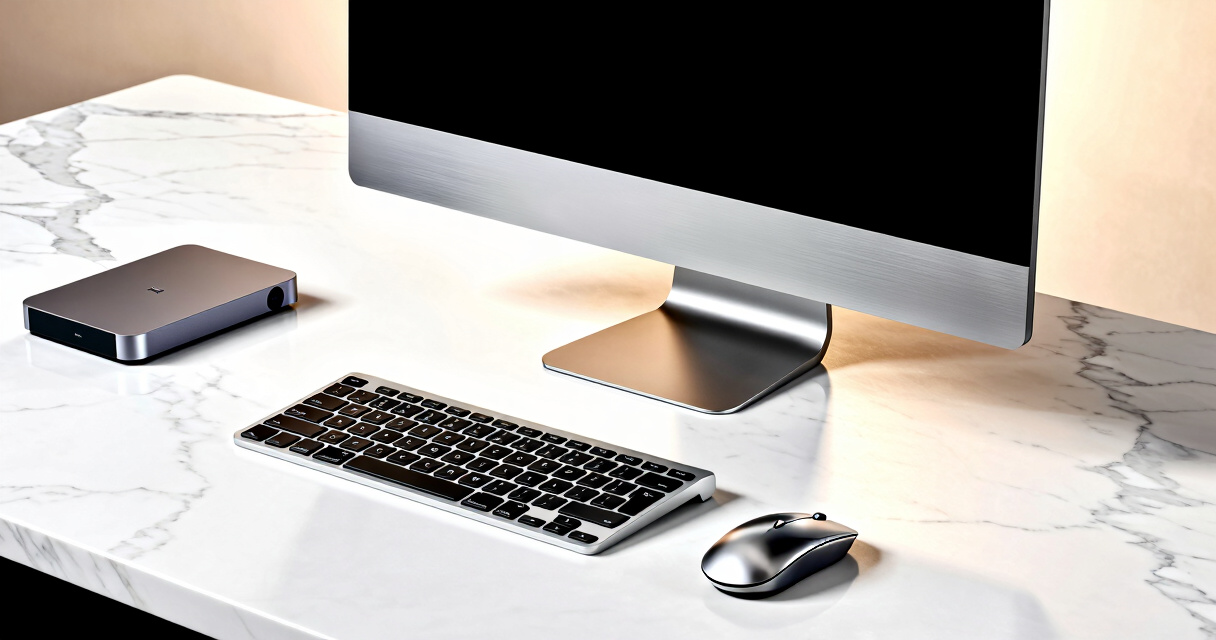
I evaluated these desktops based on a combination of performance, build quality, value, and versatility. The ranking considers the processor speed, RAM, storage options, display quality, and expandability. I also looked at user-friendly features, brand reputation, and price-to-performance ratio. This approach ensures that the selection covers a range of budgets and use cases, from basic home setups to powerful professional workstations. The top picks are those that balance these factors most effectively for their intended audience, providing a clear hierarchy of value and capability.Factors to Consider When Choosing Best Desktop Computers
When choosing the best desktop computer, it’s important to consider several key factors that affect performance, usability, and long-term satisfaction. Understanding these can help you avoid common pitfalls—like overpaying for unnecessary power or buying a model that’s not upgradeable. The right desktop depends heavily on your primary tasks, available space, and future plans. Here are some critical aspects to consider before making your purchase:Performance and Processor Power
The processor is the heart of your desktop. For everyday tasks like browsing, streaming, and office work, an Intel Core i3 or AMD Ryzen 3 might suffice. However, for demanding applications such as video editing or gaming, a Core i7, Ryzen 7, or higher will make a noticeable difference. Remember, more powerful CPUs often come with increased costs and sometimes higher power consumption. Choose a processor that matches your workload to avoid overspending on unnecessary power—or underperforming on essential tasks.
Form Factor and Design
All-in-One desktops save space and reduce clutter but tend to be less upgradeable and sometimes more expensive for the same power level. Tower PCs typically offer better upgrade paths, easier maintenance, and often better cooling. Consider your space constraints and whether you prefer a sleek, integrated look or a more traditional setup. Also, think about future expansion needs—if you plan to upgrade components later, a tower might be the better choice.
Memory and Storage
RAM and storage significantly impact system responsiveness and capacity. For most users, 8GB of RAM is the minimum, but 16GB or more provides smoother multitasking, especially with newer applications. SSDs dramatically improve boot times and app load speeds compared to HDDs. If you handle large files or prefer faster access, opting for a PC with SSD storage is wise. Be mindful of upgrade options if you anticipate needing more memory or storage down the line.
Display Quality and Size
The display impacts your overall experience, especially for creative work or media consumption. All-in-One models often include built-in screens, with resolutions ranging from FHD to 4K. A larger, high-resolution display enhances clarity and reduces eye strain. However, larger screens and 4K displays tend to cost more and require more powerful hardware to drive them effectively. Balance your display needs with your budget and workspace constraints.
Price and Long-Term Value
Higher-priced desktops often offer better build quality, more power, and future-proof features like upgradeability. Conversely, budget models can be suitable for basic tasks but may need replacement sooner. Consider your long-term needs and whether investing more now might save you from frequent upgrades later. Also, watch out for hidden costs like extended warranties or necessary peripherals that might inflate the overall budget.
Frequently Asked Questions
Should I buy an all-in-one or a tower desktop?
Choosing between an all-in-one and a tower depends on your space and upgrade needs. All-in-ones are ideal for saving space and creating a clean look, but they often have limited upgrade options and can be more expensive for comparable performance. Towers typically offer more flexibility for future upgrades, better cooling, and easier maintenance, making them suitable for users who want longevity or specific performance capabilities. Consider your workspace, upgrade plans, and budget before deciding.
Is a higher RAM amount always better?
While more RAM generally improves multitasking and performance in demanding applications, it might not be necessary for basic tasks like browsing and email. For most users, 8GB to 16GB of RAM balances performance and cost effectively. Over-investing in RAM at the expense of other components, like a faster processor or SSD, can be inefficient. Think about your typical workload and future needs—more RAM becomes valuable if you run heavy software or keep many applications open simultaneously.
How much should I spend on a desktop computer?
The amount you spend should align with your intended use. Basic models for browsing, streaming, and office work can be found for under $600. For more demanding tasks like creative work or gaming, expect to pay $1,000 or more for higher-end components. Investing in a mid-range desktop with a good processor, ample RAM, and SSD storage usually provides the best balance of performance and value. Remember, spending more upfront can extend your system’s relevance and lifespan.
Are gaming desktops suitable for other tasks?
Gaming desktops typically feature high-end GPUs and fast processors, making them excellent for graphics-intensive tasks beyond gaming, such as video editing or 3D rendering. However, they tend to be more expensive and larger than standard office or multimedia desktops. If your primary focus is work or casual use, a gaming PC might be overkill and could impact your budget. For multimedia tasks, consider a system with a strong CPU and plenty of RAM instead of a dedicated gaming GPU.
What should I consider for future upgradeability?
Future upgradeability depends on the desktop’s design. Tower PCs generally allow for easier upgrades of RAM, storage, and graphics cards. All-in-One models often limit these options due to integrated components. Check the specifications for available RAM slots, PCIe slots, and drive bays if you anticipate needing to upgrade later. Investing in a system with accessible panels and expansion options can save money and hassle over time, especially if your computing needs grow.
Conclusion
For most users seeking a reliable all-around machine, the Dell 27 All-in-One Desktop ec27250 offers a compelling balance of power, design, and value. If budget is your primary concern, the HP 22-inch All-in-One delivers solid performance at a lower price. Creative professionals or Apple fans will find the iMac with M4 Chip worth the investment for its display quality and ecosystem. Beginners should consider models with straightforward setups and good warranty support, while power users needing maximum performance and upgradeability should look towards tower desktops like the Dell or HP Envy. Your ideal choice depends on your specific needs, budget, and future plans, but this list covers a range of scenarios to help you find the best fit.