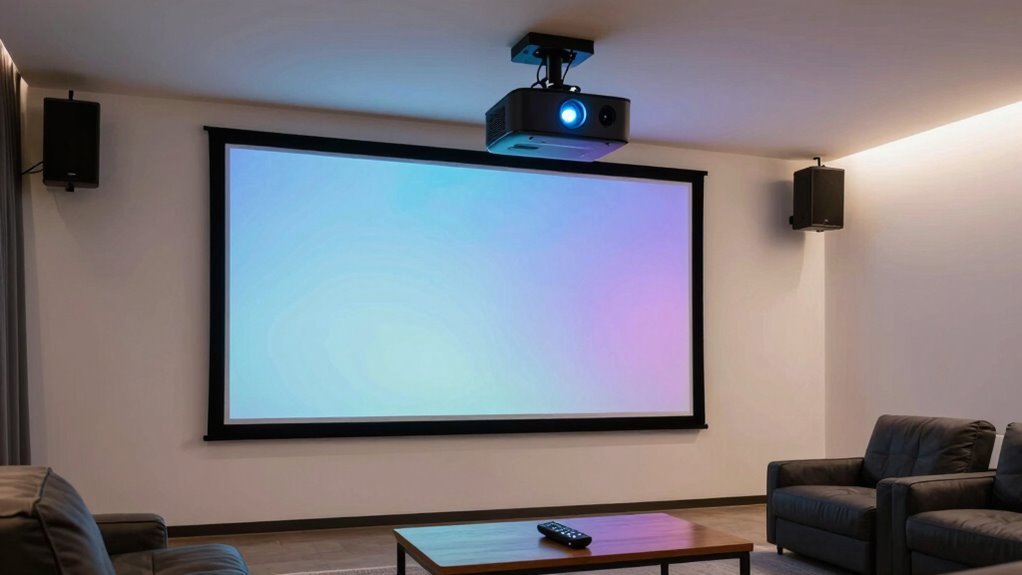

Before buying a home projector, consider your room size and lighting conditions to choose the right brightness and throw distance. Think about resolution for clarity and detail, especially if watching movies or gaming. Make certain it has the connectivity options you need, like HDMI, USB, or wireless streaming. Portability might matter if you plan to move it around. Balancing your budget with these features ensures you get the best experience—keep going to learn more tips.
Key Takeaways
- Determine the appropriate resolution (e.g., 1080p or 4K) based on your desired image quality and budget.
- Check connectivity options like HDMI, USB, Wi-Fi, and Bluetooth for seamless device integration.
- Assess room lighting and choose a projector with sufficient brightness (lumens) for clear images in your environment.
- Consider portability and room size to ensure the projector fits your space and can be easily moved if needed.
- Match the projector’s throw distance with your room dimensions for optimal image size and clarity.
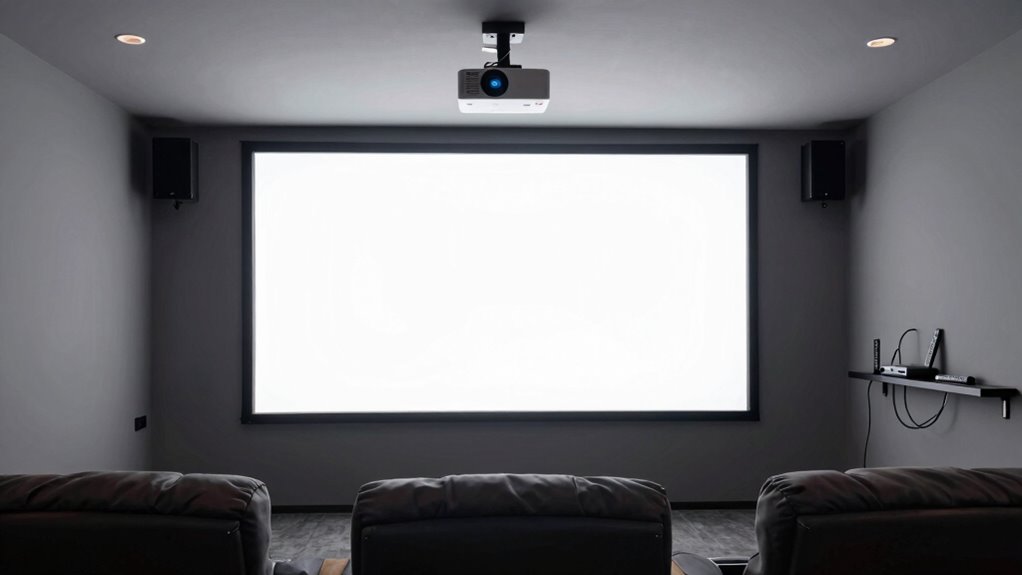
If you’re considering adding a projector to your home entertainment setup, it’s essential to understand what factors influence your choice. Two of the most important aspects are screen resolution and connectivity options. Screen resolution directly impacts the clarity and detail of your images, so you want to choose a projector that offers enough pixels to deliver sharp, vibrant visuals. For casual movie nights or gaming, a Full HD (1080p) resolution might suffice, but if you aim for cinematic quality, a 4K projector will give you a much more immersive experience. Keep in mind that higher resolution projectors tend to be more expensive, so you’ll need to balance your budget with your desired picture quality.
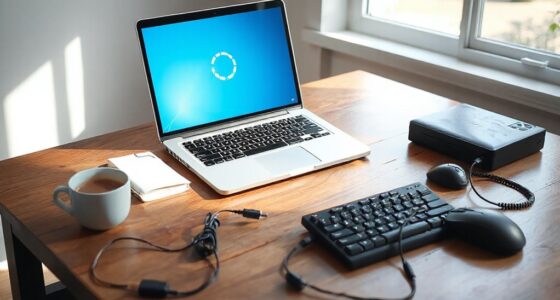
Connectivity options are equally critical because they determine how easily you can connect your projector to your existing devices. Look for projectors that support multiple input methods, such as HDMI, USB, and wireless options like Wi-Fi or Bluetooth. HDMI ports are standard and support most modern devices like streaming sticks, gaming consoles, and Blu-ray players. Wireless connectivity is a bonus, allowing you to stream content directly from your smartphone, tablet, or laptop without cluttering your space with cables. Some projectors also come with screen mirroring capabilities, which can simplify the setup process and make it easier to display content from various sources. Additionally, understanding projector brightness is vital, especially for different lighting conditions in your space.
Beyond resolution and connectivity, consider the projector’s brightness, measured in lumens. If you plan to watch in a well-lit room, you’ll need a higher lumen count to keep images clear and vibrant. Conversely, if your room can be darkened easily, a lower brightness projector might suffice and save you some money. Size and portability also matter depending on your space; if you want a portable option, look for lightweight models that are easy to move and set up.
Lastly, think about the projector’s throw distance, which determines how far the projector needs to be from the screen to produce a specific image size. Make sure your room’s dimensions align with the projector’s capabilities so you can enjoy a large, clear picture without needing a massive space. By paying attention to screen resolution, connectivity options, and other key features, you’ll be able to select a projector that enhances your home entertainment experience without surprises or compromises.

Aurzen Roku TV D1R Smart Portable Outdoor Projector with WiFi and Bluetooth
- Roku Built-in for Streaming: Access top streaming apps easily
- 1080P Full HD Resolution: Clear, sharp image quality
- WiFi and Bluetooth Connectivity: Wireless connection options
As an affiliate, we earn on qualifying purchases.
As an affiliate, we earn on qualifying purchases.
Frequently Asked Questions
How Long Do Projector Lamps Typically Last?
Projector lamps typically last between 1,500 to 3,000 hours, depending on usage and lamp quality. You’ll need to take into account the lamp lifespan when planning for replacement frequency, as more frequent use means you’ll have to replace the lamp sooner. To extend your projector’s life, use eco modes and keep the device well-maintained. Expect to replace the lamp once it approaches its maximum hours to guarantee the best image quality.
Can Projectors Be Used Outdoors Effectively?
Yes, projectors can be used outdoors effectively if you set up carefully. Think of your outdoor setup as a stage—choose a flat, dark area with minimal ambient light. Weather considerations are essential; avoid rainy or humid nights, and protect your equipment from wind and moisture. With the right planning, you can enjoy outdoor movie nights that shine just as brightly as indoor screenings.
Are There Any Health Concerns With Projector Brightness?
Yes, bright projectors can cause eye strain or worsen light sensitivity if you’re exposed to intense light for long periods. To protect your eyes, keep a safe distance from the screen, reduce ambient light, and take regular breaks. Avoid staring directly into the projector’s beam, especially during extended viewing sessions. If you experience discomfort, consider lowering brightness or choosing a projector with adjustable light settings to minimize health concerns.
What’s the Best Way to Connect a Projector to Streaming Devices?
Think of your streaming device as a guiding star, shining brightly through wireless connectivity or a simple HDMI cable. To connect your projector effortlessly, opt for a model with wireless options for a clutter-free setup or guarantee HDMI compatibility for a direct, reliable link. By choosing the right connection, you create a seamless flow, transforming your space into a cinematic universe where your streaming device becomes the hero.
Do Projectors Require Special Maintenance or Cleaning?
Projectors do need regular maintenance like lens cleaning to keep images clear. You should gently clean the lens with a soft, dry cloth and avoid harsh chemicals. Additionally, bulbs have a lifespan and require replacement when they burn out or dim, which varies by model. Keep an eye on your projector’s usage hours, and follow the manufacturer’s guidelines to guarantee peak performance and longevity.

Official Licensed Google TV – HAPPRUN Native 1080P Outdoor Smart Projector
- Built-in Google TV: Access streaming apps directly
- Voice Control: Use Google Voice Assistant for commands
- 4K Resolution: Supports detailed 4K images
As an affiliate, we earn on qualifying purchases.
As an affiliate, we earn on qualifying purchases.
Conclusion
Before you buy, balance your budget, brightness, and space to find the perfect projector. Do your homework, compare features, and consider your needs to avoid buyer’s remorse. Remember, a little research leads to a lasting, luminous lounge. With wise choices and a bit of patience, you’ll enjoy a spectacular setup that’s just right for relaxing, watching, and creating countless cinematic memories. Happy hunting for your home theater treasure!

Mini Portable Projector, Support 4K 1080P with Dual-Band WIFI6 5G Wireless 5.0 Bluetooth Android 11,160 ANSI,180° Rotatable, Auto Keystone Correction, 35"-130" Screen Video Projector
- Android TV 11.0 Smart Hub: Access global streaming and apps
- Supports 4K and 1080P Video: High-resolution image quality
- Dual-Band WiFi 6 & 5G: Fast, stable wireless connection
As an affiliate, we earn on qualifying purchases.
As an affiliate, we earn on qualifying purchases.

YGSKK Mini Projector with Wifi and Bluetooth, Built-in Apps,Movie Projector
- Latest Wi-Fi 6 Technology: Faster, stable Wi-Fi 6 and 5G connectivity
- Bluetooth 5.3 Support: Connects to Bluetooth speakers and headphones
- Built-in Streaming Apps: Access Prime Video, YouTube, Hulu easily
As an affiliate, we earn on qualifying purchases.
As an affiliate, we earn on qualifying purchases.