
It’s funny how you can turn your home into a smart haven without draining your wallet. Many people think a smart home is only for tech enthusiasts, but that’s far from the truth. With the right approach, you can set up an efficient and connected space on a budget. Want to know how to navigate costs and choose the best devices for your needs? Let’s explore the essential steps together.
Key Takeaways
- Start with essential devices like smart bulbs and plugs to minimize initial costs and maximize functionality.
- Utilize free apps or affordable speakers as a smart hub for centralized control of your devices.
- Look for sales and bundle deals to save money on multiple smart home devices at once.
- Manage hidden costs by considering installation fees, subscription services, and potential increases in utility bills.
- Choose energy-efficient and easily installable devices to enhance convenience without permanent modifications, ideal for renters.
Understanding Smart Home Devices and Their Costs
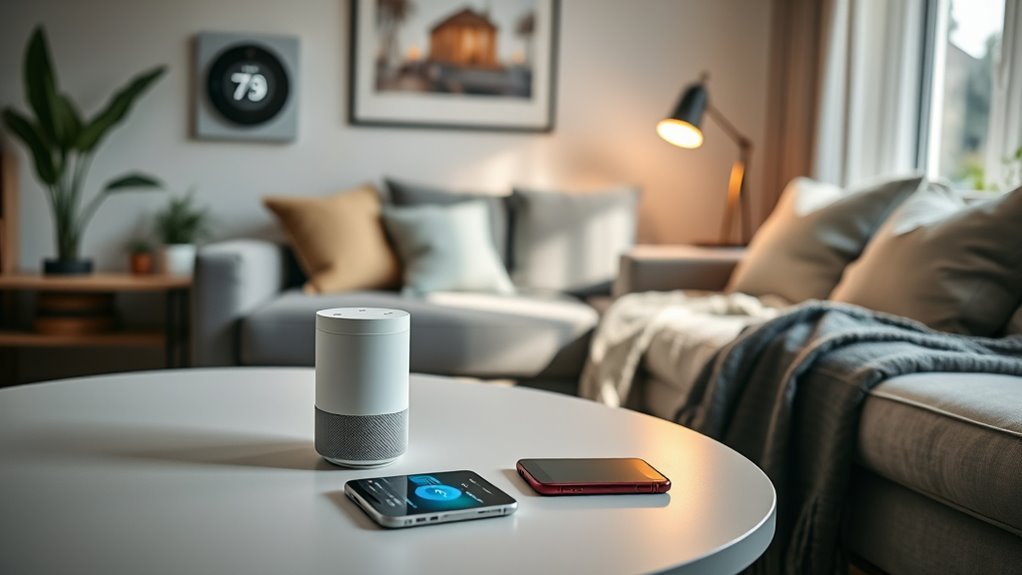
When you plunge into the world of smart home devices, it’s essential to grasp their costs and functionalities. You’ll find affordable options that won’t break the bank. For instance, smart bulbs like the Wyze Bulb usually cost around $10 each, allowing you to change colors and schedule lighting. Smart plugs, such as the TP-Link Kasa, typically run about $15, making it easy to automate lamps and small appliances. Security is key; door/window sensors can be found for around $20, while budget cameras like the Wyze Cam offer surveillance for about $30. Don’t forget smart hubs too, which can be free apps or low-cost speakers, generally priced around $50. Starting small helps you build your smart home without overspending. Additionally, consider incorporating devices with low input lag, especially if you enjoy gaming, as they enhance your overall experience.
Step-by-Step Smart Home Setup Process
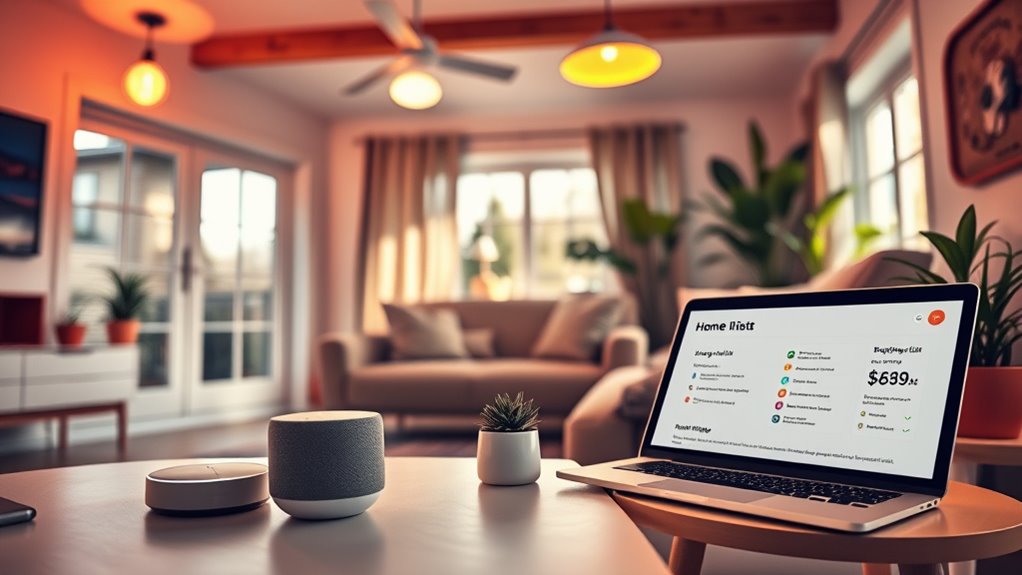
To create an efficient smart home setup, start by establishing a smart hub as your central control point. You can opt for free apps like Google Home or invest in an affordable smart speaker. Next, install smart lighting by replacing your regular bulbs with smart ones and connecting them to Wi-Fi for automation. Enhance security by placing door and window sensors, ensuring you cover all entry points. Connect everyday appliances using smart plugs for seamless voice control. As you grow your system, consider adding smart thermostats and energy monitoring devices. Additionally, consider incorporating eco-friendly practices to ensure your smart home is both efficient and sustainable. Remember, start small, build gradually, and focus on areas that matter most to you for a tailored and budget-friendly smart home experience.
Budget Planning for Your Smart Home
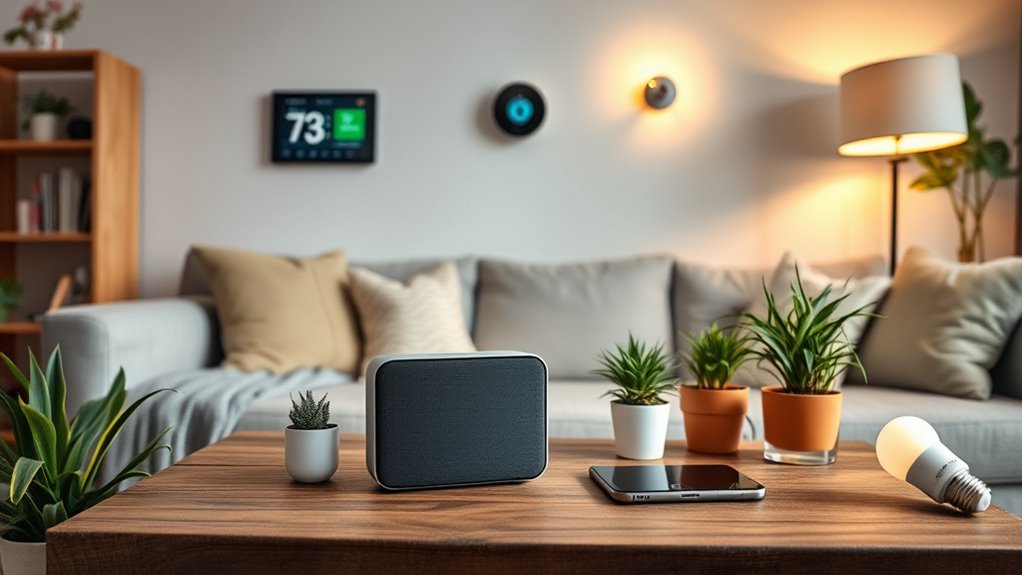
When planning your smart home budget, start by outlining your initial setup costs to avoid surprises. Think about what devices you truly need right now and what can wait for later to keep expenses manageable. Long-term budgeting strategies will help you expand your system over time without breaking the bank. Incorporating smart appliances can significantly enhance your cooking experience while also improving efficiency in the kitchen.
Initial Setup Costs
While planning your smart home setup, you’ll want to keep initial costs in check to make sure you stay within budget. Start by focusing on essential devices that offer immediate benefits without breaking the bank. Here are some costs to think about:
- Smart bulbs around $10 each (e.g., Wyze Bulb) for lighting control.
- Smart plugs at approximately $15 (e.g., TP-Link Kasa) for automating appliances.
- Door/window sensors priced about $20 (e.g., Aqara) for basic security.
- Budget-friendly security cameras like Wyze Cam for around $30.
- Smart hubs, which can be free apps or low-cost speakers, starting at $50.
Additionally, you can discover trusted businesses that offer these smart home devices in your area to help you save even more.
Long-term Budgeting Strategies
After you’ve set up your initial devices and seen the immediate benefits, it’s time to think about your long-term budgeting strategies for your smart home. Start by creating a plan that prioritizes essential devices like smart bulbs and plugs, allowing you to gradually expand your system. Set a monthly budget, accounting for potential subscription fees and maintenance costs. Keep an eye out for seasonal sales and bundle deals to maximize your savings. Consider DIY installation to cut down on professional fees. Finally, regularly review your spending and adjust your budget as your needs evolve. By planning ahead, you’ll ensure your smart home continues to provide value without breaking the bank. Additionally, be aware of potential subscription fees that may arise from using various smart home services, so you can incorporate these into your budget.
Choosing the Right Ecosystem for Compatibility
When setting up your smart home, choosing the right ecosystem is vital for ensuring all your devices work seamlessly together. Consider compatibility with devices using universal standards like Matter, Zigbee, or Z-Wave to avoid frustrating limitations later on. Sticking to a single ecosystem, whether it’s Amazon Alexa or Google Assistant, simplifies your setup and enhances device integration. Additionally, opting for solutions from European cloud innovation can provide you with more sustainable and secure options for your smart home devices.
Ecosystem Selection Criteria
Choosing the right smart home ecosystem is essential for guaranteeing that your devices work seamlessly together and meet your needs. To make the best choice, consider the following criteria:
- Compatibility: Ensure devices support universal standards like Matter, Zigbee, or Z-Wave.
- User Interface: Look for an ecosystem with an intuitive app or voice control options that match your preferences.
- Device Range: Check the variety of devices available within that ecosystem to guarantee you can expand easily.
- Integration: Choose an ecosystem that integrates well with other platforms, like music streaming or home security.
- Community Support: Opt for ecosystems with a strong online community for troubleshooting and tips. Additionally, consider ecosystems that offer cross-platform integration to enhance the overall functionality of your smart home setup.
Device Compatibility Considerations
Selecting the right smart home ecosystem is key to ensuring your devices work well together. Focus on buying devices that support universal standards like Matter, Zigbee, or Z-Wave for broader compatibility. Start with a single ecosystem, such as Amazon Alexa or Google Assistant, to simplify setup and enhance integration. This choice affects how you control devices, manage automation routines, and utilize voice commands. Consider using smart hubs or displays for centralized control; they provide an easy interface for managing your devices. If you’re renting, opt for plug-in or stick-on devices that don’t require permanent installation. Planning for compatibility helps you avoid frustration down the road, making your smart home experience seamless and enjoyable. Additionally, incorporating eco-friendly practices into your smart home setup can enhance sustainability and reduce your environmental impact.
Essential Security Devices for a Budget-Friendly Setup

To create a secure smart home without breaking the bank, focusing on essential security devices is key. You don’t need to spend a fortune to enhance your home’s safety. Here are some budget-friendly options to contemplate:
- Smart Cameras: Affordable models like Wyze Cam offer reliable video surveillance.
- Door and Window Sensors: Devices such as Aqara help monitor entry points effectively.
- Motion Detectors: These can alert you to unexpected movement in your home.
- Smart Locks: Budget-friendly options provide keyless entry and remote access.
- Security Hubs: Use a smart hub to manage all your devices seamlessly.
In addition to these devices, integrating Wi-Fi/Bluetooth thermometers can enhance your home monitoring by providing temperature alerts.
Cost-Saving Tips for Smart Home Installation

While beginning your smart home journey, you can save considerably by implementing a few strategic cost-saving tips during installation. Start with one essential device that meets an immediate need—like smart bulbs or plugs—to avoid overwhelming yourself. Opt for DIY installation to eliminate labor costs, and make sure to master the setup before adding more devices. Look for sales events to snag discounts or consider multifunction bundles for added value. Always check return policies, allowing you to test device compatibility without commitment. Prioritize budget-friendly brands that provide good quality, ensuring your initial investment pays off. By taking these steps, you’ll build a smart home efficiently and affordably, setting the stage for future upgrades. Additionally, consider high-impact recommendations to further streamline your selection process and enhance your smart home experience.
Expanding Your Smart Home Gradually
As you settle into your smart home, expanding gradually allows you to enhance your setup without feeling overwhelmed. Start with the basics and build on them as you become more comfortable. Here are some tips to help you expand your smart home effectively:
- Begin with smart lighting for ambiance and convenience.
- Add smart plugs to control appliances remotely.
- Incorporate security sensors to protect your home.
- Use a smart hub for centralized control of your devices.
- Gradually introduce smart thermostats to optimize energy use.
This step-by-step approach not only spreads out costs but also helps you learn the ins and outs of your system, ensuring a smoother progression as you expand your smart home capabilities.
Managing Hidden Costs in Your Smart Home Budget
Managing a smart home budget isn’t just about the upfront costs; it’s essential to account for hidden expenses that can sneak up on you. While you might plan for smart bulbs and plugs, other costs can quickly add up.
| Hidden Costs | Estimated Amount |
|---|---|
| Professional installation | $130 – $150 per device |
| Wiring and mounting accessories | Varies, ~$50 – $100 |
| Subscription fees for advanced features | ~$20/month |
| Replacement batteries for devices | ~$10 – $30 per year |
| Energy consumption increase | ~$5 – $15/month |
Practical Considerations for Renters and Temporary Installations
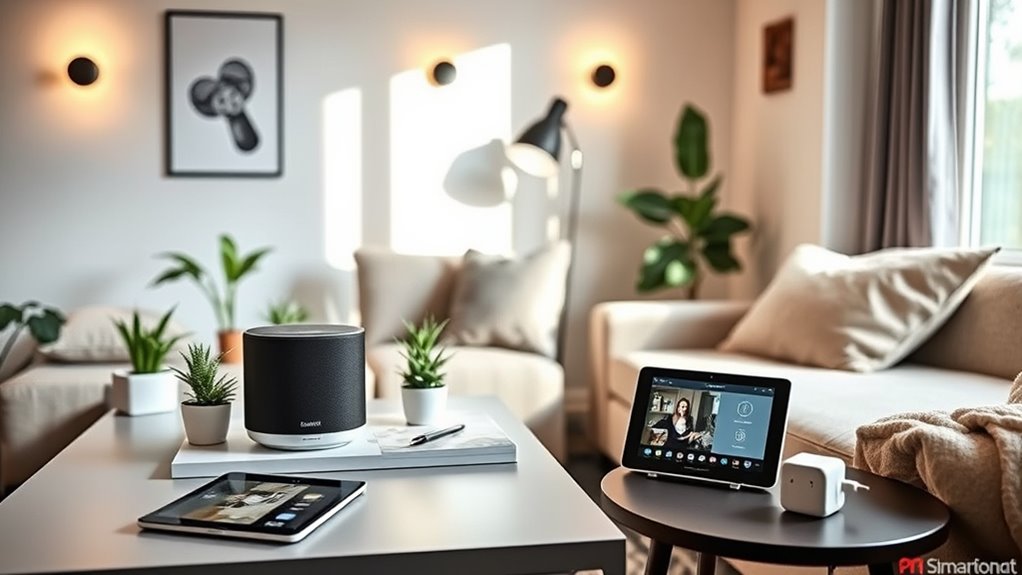
If you’re renting or living in a temporary space, setting up a smart home can be both exciting and challenging. You’ll want to focus on devices that are easy to install and remove without damaging your property. Here are some practical considerations:
- Choose plug-in devices, like smart plugs and bulbs, that don’t require hardwiring.
- Use adhesive mounts for security cameras and sensors to avoid drilling holes.
- Prioritize devices with strong mobile app support for easy control.
- Focus on energy-efficient products to save on utility bills.
- Keep an eye on your lease agreement for any restrictions on modifications.
Frequently Asked Questions
What Are the Best Smart Home Devices for Beginners?
The best smart home devices for beginners include smart bulbs like Wyze, which let you change colors and set schedules easily. You should also consider smart plugs, such as the TP-Link Kasa, for automating small appliances. For security, door and window sensors from Aqara are great choices. Finally, budget-friendly cameras like Wyze Cam offer reliable surveillance. Start with these essentials, and you’ll build a solid foundation for your smart home.
How Can I Ensure My Devices Remain Secure?
To keep your smart home devices secure, start by using strong, unique passwords for each device. Regularly update your firmware to patch vulnerabilities, and enable two-factor authentication whenever possible. Keep your home Wi-Fi network secure with encryption and a strong password. Limit device access to only trusted users, and regularly monitor your network for any unauthorized connections. By taking these steps, you’ll markedly reduce the risk of unauthorized access and keep your smart home safe.
Are There Smart Devices Compatible With Both Android and Ios?
Yes, many smart devices are compatible with both Android and iOS. Look for popular brands like Philips Hue for smart bulbs and TP-Link for smart plugs; they usually offer apps for both platforms. Additionally, smart home hubs like Amazon Echo and Google Nest work seamlessly across devices. To guarantee compatibility, check the product specifications or app information before purchasing. This way, you can control your smart home regardless of your smartphone choice!
How Do I Troubleshoot Connectivity Issues With Smart Devices?
To troubleshoot connectivity issues with your smart devices, start by checking your Wi-Fi connection; make sure it’s active and strong. Restart your router and the affected device. Make certain the device’s firmware is updated, as outdated software can cause problems. If issues persist, remove the device from your app and re-add it. Finally, check for interference from other devices and confirm the device is within range of your router.
Can I Control Smart Devices Without Internet Access?
You can control some smart devices without internet access, but it depends on the device type. For example, smart bulbs and plugs often require a hub connected to Wi-Fi for remote control. However, if you’re within Bluetooth range, you can use your smartphone to manage those devices directly. Keep in mind that features like scheduling or remote access won’t work without an internet connection. Always check the specific device’s capabilities for offline control.
Conclusion
By following this guide, you’ll transform your living space into a smart home oasis without emptying your wallet! With affordable devices and careful planning, you can create a connected environment that feels like it’s straight out of a sci-fi movie. Remember to choose a single ecosystem, shop smart, and gradually expand your setup. Soon, you’ll be enjoying the convenience and efficiency of your budget-friendly smart home, all while keeping your finances intact!