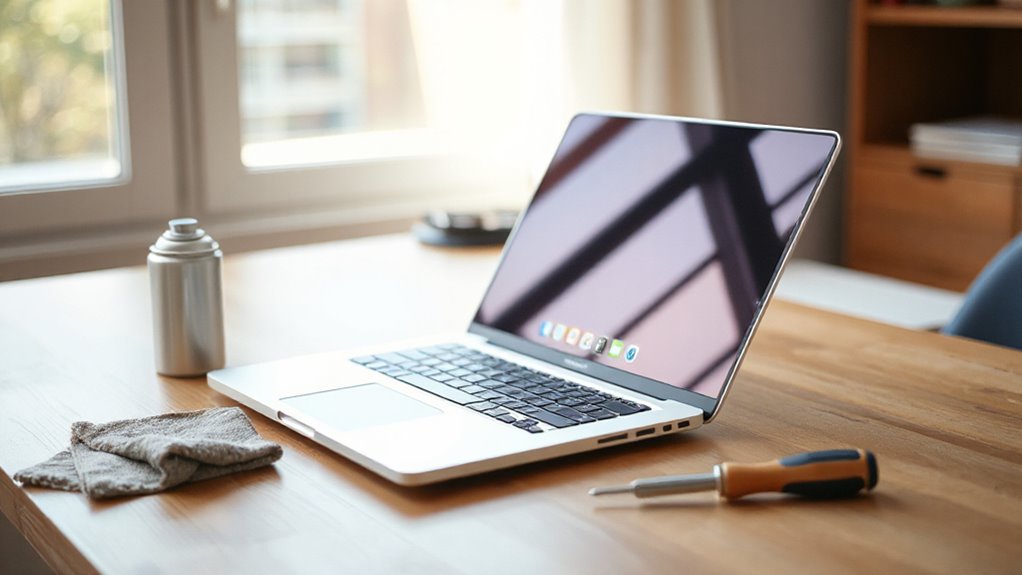

To make your laptop last over five years, focus on routine maintenance like keeping software updated, cleaning vents, and managing background processes to reduce strain. Avoid overcharging and keep the battery between 20% and 80%, using health management features if available. Handle your device carefully, use protective gear, and store it properly away from extreme temperatures. Staying mindful of these habits can substantially extend your laptop’s lifespan—learn more tips to preserve your device long-term.
Listen free for 30 days with Audible
Thousands of audiobooks and originals — cancel anytime.
As an affiliate, we earn on qualifying purchases.
Key Takeaways
- Regularly update your software to improve stability, security, and performance, reducing hardware strain over time.
- Manage battery health by avoiding extreme charge cycles and enabling health management features.
- Keep vents clean with compressed air to prevent overheating and maintain optimal operating temperatures.
- Handle your laptop carefully, use protective cases, and avoid exposure to extreme temperatures or humidity.
- Delete unnecessary files and monitor background processes to ensure efficient system operation and reduce hardware stress.
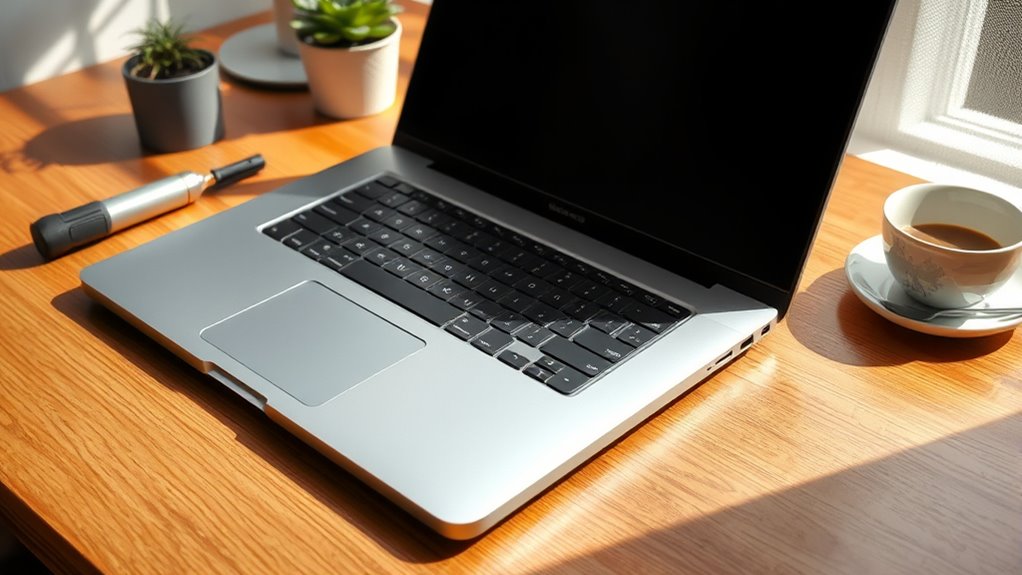
Ever wonder how you can make your laptop last longer? The key lies in simple, consistent maintenance. One of the most vital aspects is preserving your battery health. Over time, batteries naturally degrade, but you can slow this process by avoiding extreme charge cycles. Instead of letting your battery drain completely before recharging, try to keep it between 20% and 80%. Avoid leaving your laptop plugged in all the time; constantly charging can strain the battery and accelerate wear. Additionally, if your device has a battery health management feature, enable it. This setting helps optimize charging habits, preventing overcharging and extending your battery’s lifespan.
Another essential tip is to stay on top of software updates. Developers regularly release updates that improve system stability, security, and performance. Failing to install these updates can leave your laptop vulnerable to bugs and slowdowns, which over time can cause hardware to work harder than necessary. Keeping your software current is like giving your laptop a regular tune-up. It ensures your device runs smoothly and efficiently, reducing strain on hardware components that could otherwise wear out prematurely. Many laptops offer automatic updates—make sure you enable this feature so you don’t miss any critical patches.
Beyond software updates, regularly cleaning your laptop’s interior and exterior can prevent dust buildup that hampers cooling. Overheating can damage internal parts and reduce your device’s lifespan. Use compressed air to blow out vents and fans, and keep your workspace clean. Be gentle when cleaning screens and keyboards to avoid damage. Proper ventilation helps keep hardware temperatures in check, which is essential for longevity. Additionally, selecting proper cooling solutions can further help maintain optimal operating temperatures, especially during intensive tasks.
Another often overlooked tip is managing your storage and background processes. Regularly delete unnecessary files and uninstall unused programs. This keeps your system running efficiently, reducing strain on hardware components. Also, monitor your task manager for background processes that consume excessive resources, as they can cause overheating or slowdowns. When your laptop runs smoother, it’s less likely to encounter hardware issues down the line.
Finally, consider investing in a good-quality protective case or sleeve. Physical damage from drops or bumps can considerably shorten your laptop’s lifespan. Handle your device with care, avoid exposing it to extreme temperatures, and don’t leave it in direct sunlight or humid environments. With these simple habits—maintaining battery health, keeping software updated, cleaning regularly, managing storage, and protecting your device—you can extend your laptop’s life well beyond five years. Consistency is key; a little effort now can save you from costly replacements later.

Amazon Basics Sturdy and Portable Ergonomic Laptop Stand for Desk, Height Adjustable Riser with Ventilated Cooling, Foldable, Fits all Laptops up to 15.6 Inch, Silver
- Adjustable Height: Up to 7 inches for personalized comfort
- Universal Compatibility: Supports laptops 10-15.6 inches
- Sturdy Aluminum Build: Lightweight, rust-resistant, supports 11 lbs
As an affiliate, we earn on qualifying purchases.
Frequently Asked Questions
How Often Should I Replace My Laptop Battery?
You should replace your laptop battery when its battery health drops below 80%, or if you notice reduced performance and shorter usage times. Typically, batteries need replacement every 2 to 3 years, but this depends on your usage and care. Keep an eye on your battery’s health via your system’s tools, and follow a regular replacement schedule to guarantee peak performance and longevity of your laptop.
Can Using a Cooling Pad Extend My Laptop’s Lifespan?
Using a cooling pad can definitely help extend your laptop’s lifespan by improving thermal management. Cooling pads reduce heat buildup, preventing component overheating that can cause damage over time. By actively cooling your device during intensive tasks, you keep temperatures in check, which minimizes wear and tear. Incorporating a cooling pad into your routine is a simple, effective way to maintain ideal performance and potentially prolong your laptop’s overall lifespan.
Is It Safe to Upgrade My Laptop’s RAM Myself?
Upgrading your laptop’s RAM yourself is as safe as walking a tightrope—if you’re careful and follow instructions. RAM upgrades through DIY installation are generally safe and can boost performance considerably. Just make sure you power down the device, discharge static, and handle components gently. If you’re comfortable with electronics, you can do it confidently; otherwise, consider professional help to avoid risking your laptop’s delicate innards.
What Are Signs My Laptop Is Overheating?
If your laptop is overheating, you’ll notice it gets unusually hot, the fan runs loudly, or performance slows down. Check for dust buildup around vents, as it hampers thermal management. Feel if your device’s surface is excessively hot during use. To prevent overheating, keep vents clear, clean out dust regularly, and guarantee proper airflow. Addressing these signs early helps maintain your laptop’s longevity and ideal performance.
Should I Regularly Update My Laptop’s BIOS?
You should regularly update your laptop’s BIOS, as neglecting firmware updates can leave your device vulnerable to BIOS security threats. Keeping your BIOS current ensures peak performance and stability, preventing potential crashes or hardware issues. Don’t wait until problems arise—staying proactive with updates can extend your laptop’s lifespan. Regular BIOS updates are essential for maintaining security and compatibility, making your investment last longer and perform better over time.

Nulaxy Ergonomic Adjustable Laptop Stand for Desk, Dual Foldable Computer Riser with Advanced Heat-Vent, Heavy-Duty Portable Notebook Holder for Posture Correction, Compatible with Mac 10-17" Laptops
- Ergonomic Posture Support: Elevates laptop to reduce neck strain
- Stable Dual-Rod Design: Ensures wobble-free support up to 22 lbs
- Enhanced Heat Dissipation: Geometric vents improve airflow and cooling
As an affiliate, we earn on qualifying purchases.
Conclusion
Think of your laptop as a finely tuned garden. With regular watering—cleaning, updates, and careful use—you nurture its growth and resilience. Neglect, however, is like drought and weeds, quick to diminish its vitality. By tending to your device with consistent care, you guarantee it blossoms for years to come. Remember, a well-maintained laptop is a thriving garden—beautiful, durable, and ready to serve your needs long after the first planting.

LOXP Adjustable Laptop Stand for Desk, Portable Airflow Laptop Riser Holder
- Adjustable & Ergonomic: Customizable height and angle for comfort
- Sturdy & Protective: Supports up to 8.8 lbs with non-slip pads
- Device Safety: Silicone pads prevent scratches and sliding
As an affiliate, we earn on qualifying purchases.

Tonmom Laptop Stand for Desk, Adjustable Laptop Riser, Black
- Adjustable Height: 7 levels from 2.78” to 6.5”
- Ergonomic Design: Promotes healthy posture and reduces fatigue
- Stable Support: Triangle support for enhanced stability
As an affiliate, we earn on qualifying purchases.
Baby shower & registry season Picks
baby registry must-haves
As an affiliate, we earn on qualifying purchases.