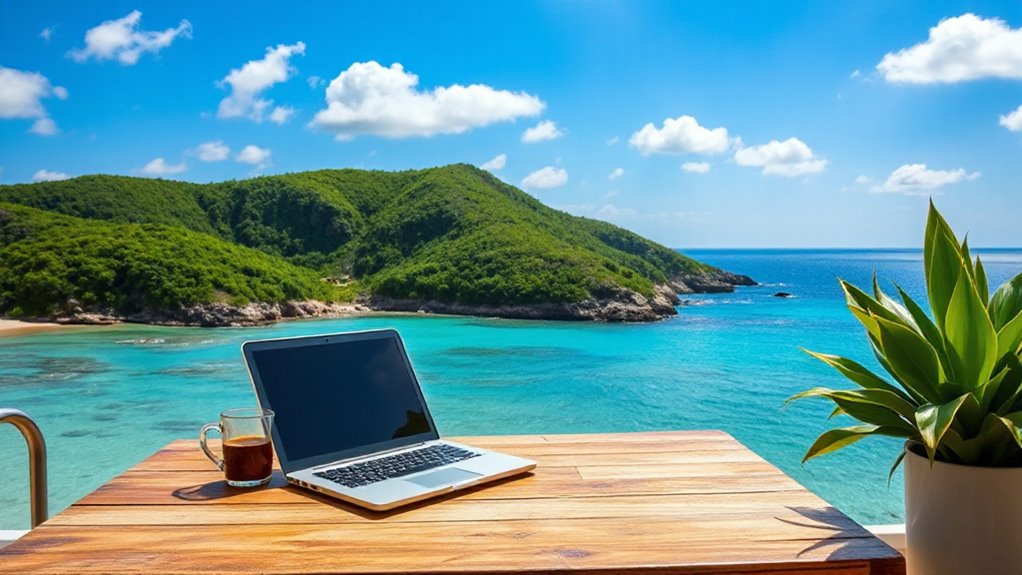
To work remotely from vacation spots on a budget, choose locations with reliable Wi-Fi, comfortable accommodations, and affordable living costs. Set up a dedicated, portable workspace with good lighting and contrast to boost productivity. Save money by staying in budget-friendly stays, enjoying local food, and exploring free activities. Balance work hours with leisure, remaining flexible if conditions change. Keep your setup simple and efficient—more tips will help you make the most of your workation without breaking the bank.
Open a free Amazon Business account
Business pricing, bulk buying and tax-exempt orders.
As an affiliate, we earn on qualifying purchases.
Key Takeaways
- Select destinations with reliable Wi-Fi, affordable costs, and accommodations offering dedicated workspaces.
- Pack lightweight, portable work tools like a compact laptop, universal charger, and portable Wi-Fi device.
- Use budget-friendly options such as vacation rentals, hostels, or co-living spaces that include free Wi-Fi.
- Balance work and leisure by scheduling work during quiet hours and exploring local activities during free time.
- Be adaptable with your workspace and routines, utilizing local environments like parks or cafés to stay productive.
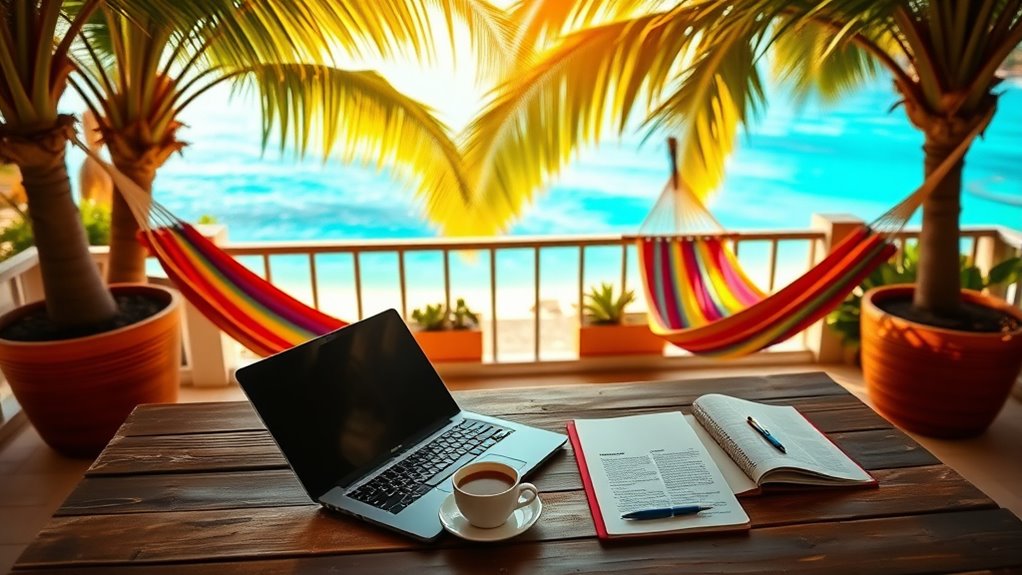
Ever wondered how to make the most of a workation? It’s all about blending work and leisure seamlessly, and mastering this balance can elevate your experience. If you’re diving into digital nomadism, you’ll need a solid remote work setup that allows you to stay productive without compromising your vacation vibe. The key is to plan ahead, guaranteeing you have everything you need to work efficiently, no matter where you are. Start by choosing destinations that support remote work—places with reliable Wi-Fi, comfortable accommodations, and affordable living costs. These factors keep your expenses in check and help you avoid unnecessary stress. When setting up your remote work station, prioritize portability. Bring a lightweight laptop, a universal charger, and maybe a portable Wi-Fi device if you’re unsure about local connectivity. This way, you can work comfortably at a local café, a park, or even your accommodation’s common area without fuss. Creating a dedicated workspace, even if it’s just a corner of your hotel room or a cozy spot in a coworking space, helps you switch into work mode quickly. A well-thought-out remote work setup minimizes distractions and boosts productivity, allowing you to enjoy your surroundings during downtime. Additionally, choosing a space with a suitable contrast and lighting conditions can enhance your screen visibility and reduce eye strain, making your work sessions more comfortable.
Budgeting smartly is vital. Look for accommodations that include amenities like free Wi-Fi and a workspace, which can save you money in the long run. Consider options like vacation rentals, hostels with private rooms, or co-living spaces tailored for remote workers. These often provide reliable internet and communal areas that foster a sense of community, making your stay more enjoyable and less isolated. To stretch your budget further, take advantage of local eateries, street food, and grocery stores instead of dining out every day. Many destinations offer free or low-cost activities—hiking trails, beaches, cultural sites—that let you explore without breaking the bank. Schedule your work hours during off-peak times or when your surroundings are quieter, so you can enjoy scenic walks or local sights without feeling rushed. Staying disciplined with your work hours guarantees you meet deadlines without sacrificing your leisure time.
Finally, embrace flexibility. If your remote work setup isn’t perfect, adapt on the fly. Sometimes, a change of scenery—like moving from a noisy café to a quieter park—can boost your productivity. Remember, the goal of a workation isn’t just to get work done but also to recharge and explore new environments without blowing your budget. With careful planning and a flexible mindset, you’ll find that balancing work and vacation is entirely possible—and incredibly rewarding. Recognizing the importance of projector technology in creating an optimal viewing environment can also help you unwind after a busy day exploring.

MNN 15.6" FHD 60Hz Portable Monitor USB-C HDMI IPS HDR Gaming Laptop
- High-Resolution Display: 1920×1080 IPS full HD screen
- Wide Viewing Angles: 178° full viewing angle support
- Eye-Care Technology: Reduces blue light and flickering
As an affiliate, we earn on qualifying purchases.
As an affiliate, we earn on qualifying purchases.
Frequently Asked Questions
How Do I Find Affordable Wi-Fi in Remote Locations?
You can find affordable Wi-Fi in remote locations by exploring local internet options, such as community centers or cafés that offer free or low-cost connections. Additionally, invest in portable hotspot devices to guarantee reliable internet on the go. Check reviews or ask locals about the best spots for Wi-Fi. Combining these strategies helps you stay connected without overspending, making your workation smooth and budget-friendly.
What Insurance Should I Consider During a Workation?
You should consider getting extensive travel insurance that includes health coverage for your workation. This way, you’re protected against unexpected medical expenses or emergencies while abroad. Make sure your policy covers any activities you’ll participate in and check if it extends to remote work-related incidents. Having reliable health coverage and travel insurance gives you peace of mind, so you can focus on enjoying your trip without stress.
How Can I Balance Work and Leisure Effectively?
Imagine waking up to ocean waves, then seamlessly switching from breakfast to a quick work session. To balance work and leisure effectively, set clear boundaries with productivity strategies like designated work hours and breaks. Plan your leisure time intentionally, exploring local sights or relaxing on the beach. Prioritize tasks, stay disciplined, and schedule leisure activities to recharge, ensuring you enjoy your vacation while staying productive.
Are There Legal Considerations for Working Abroad?
Yes, you need to take into account legal aspects like visa requirements and work permits before working abroad. Check if the country allows remote work on a tourist visa or if you need a special work permit. Failing to comply can lead to fines or deportation. Always research the specific country’s regulations, and consider consulting an immigration expert to ensure you’re legal and protected while working from your vacation spot.
How Do I Handle Time Zone Differences Smoothly?
Think of time zones as a dance partner that keeps you on your toes. To handle differences smoothly, plan your work around peak hours, communicate your schedule clearly, and be mindful of cultural etiquette for virtual meetings. Overcome language barriers by using simple language and visual cues. Flexibility is key—adjust your routine and respect local customs, making your workation a harmonious experience rather than a stumble on the dance floor.
universal charger for laptops and devices
As an affiliate, we earn on qualifying purchases.
As an affiliate, we earn on qualifying purchases.
Conclusion
Now that you know the secrets to a budget-friendly workation, it’s time to turn your dream escape into reality. Imagine blending work and leisure seamlessly, like a masterful symphony. With these tips, you’ll conquer the world without leaving your comfort zone—proving that adventure and productivity can dance hand in hand. So, pack your laptop and your spirit of adventure; your perfect workation awaits, just beyond the horizon.

TP-Link Roam 6 AX1500 Portable Wi-Fi 6 Travel Router | Easy Public WiFi Sharing | Hotel/RV/Travel Approved | Phone WiFi Tether | USB C Powered | Multi-Mode | Tether App | Durable Design | TL-WR1502X
- Dual-Band Wi-Fi 6 Speeds: Up to 1201 Mbps on 5 GHz, 300 Mbps on 2.4 GHz
- Secure Public Wi-Fi Sharing: Creates private, secure networks for multiple devices
- Multi-Mode Connectivity: Router, Hotspot, and Wi-Fi extender modes
As an affiliate, we earn on qualifying purchases.
As an affiliate, we earn on qualifying purchases.

SODI Ultra Compact Foldable Laptop Stand – Portable Laptop Holder for Desk & Travel Use, Ergonomic Aluminum Computer Holder with Adjustable Height for MacBook, Tablet 10-16" (Dark Black, Bi-Fold)
- Lightweight and Compact: Weighs 6.3 oz, folds to 5×1.7×0.8 inches
- Quick Height Adjustment: Spring-loaded arm with 6 height options
- Ergonomic Screen Position: Adjusts to eye level for comfort
As an affiliate, we earn on qualifying purchases.
As an affiliate, we earn on qualifying purchases.
Back to school Picks
back to school
As an affiliate, we earn on qualifying purchases.