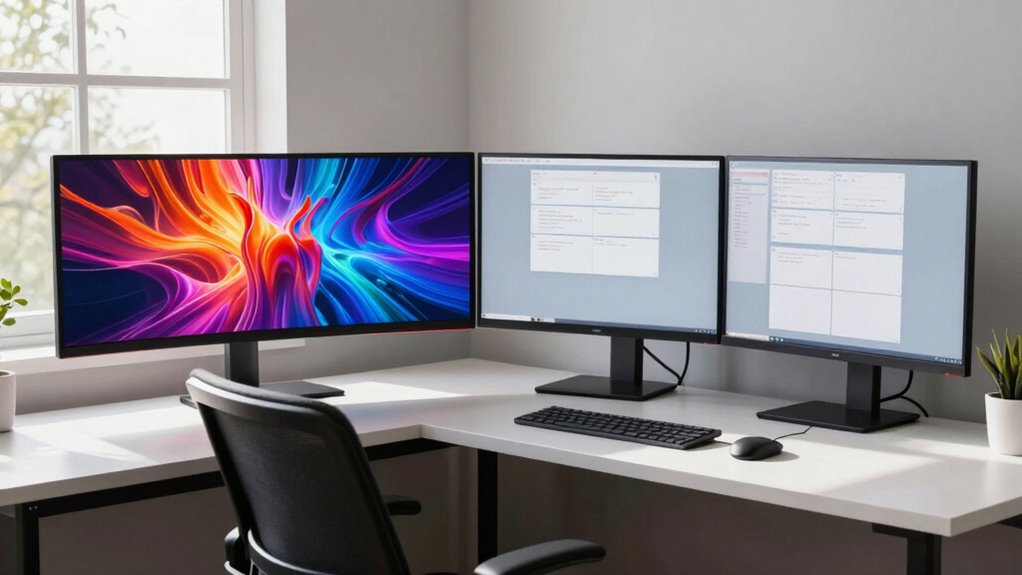
Choosing between ultrawide and dual monitors depends on your work style and workspace. Ultrawide screens offer a seamless, immersive experience ideal for creative tasks and multitasking without gaps or bezels. Dual monitors give you flexibility for different tasks, easily upgradeable, and can be more cost-effective. Your ergonomic comfort and available space matter too. Keep exploring to find out which setup best suits your productivity needs and workspace.
Key Takeaways
- Ultrawide monitors offer a seamless, immersive workspace ideal for multitasking without bezels or gaps.
- Dual monitors provide flexibility for different tasks, such as referencing documents and communication apps simultaneously.
- Ultrawide screens minimize ergonomic issues by reducing the need to manage multiple displays.
- Dual monitors can be more cost-effective and easier to upgrade individually.
- The best choice depends on workspace organization, task complexity, and budget considerations.
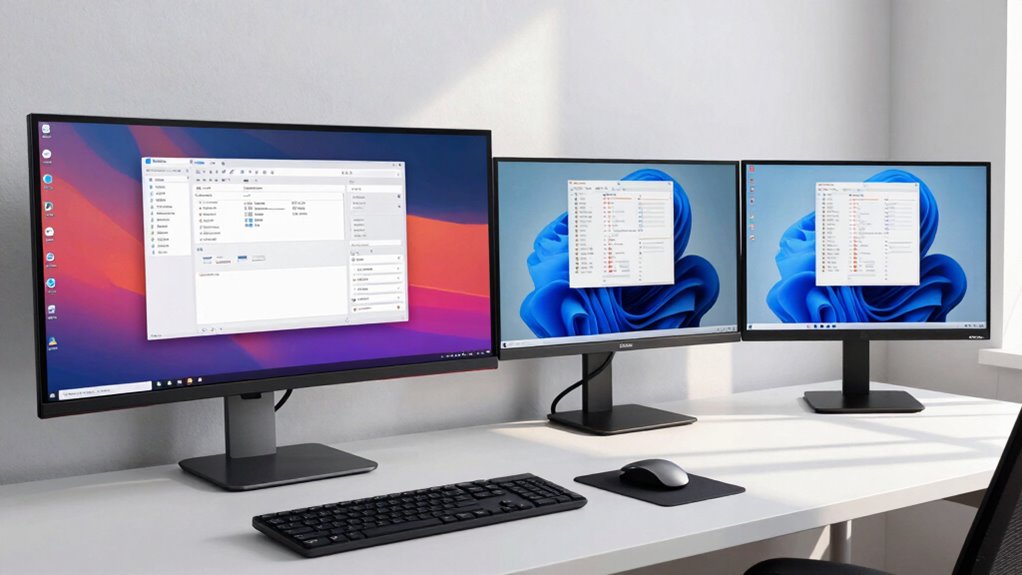
Are ultrawide monitors better than dual monitors for boosting productivity at home? It depends on your workflow and preferences, but many find ultrawide screens offer a seamless experience. The key factor here is screen resolution, which determines how much detail you can see without zooming or scrolling. Ultrawide monitors typically boast high resolutions like 3440×1440 or even 5120×1440, giving you a broad, clear view of multiple applications or documents side by side. This expansive display can eliminate the need to switch between tabs or windows constantly, making your tasks more efficient. On the other hand, dual monitors allow you to dedicate separate screens to specific tasks, which can be advantageous if you prefer having different applications fully isolated. However, managing multiple screens requires adjusting your ergonomic setup to avoid neck strain or awkward postures. Proper placement and height alignment become vital, especially when dealing with two separate monitors. An ergonomic setup ensures you maintain good posture, reduce fatigue, and work comfortably for longer periods. Additionally, ultrawide monitors can promote a more ergonomic workspace by reducing the need for excessive head and neck movement across multiple screens. When considering ultrawide monitors, you benefit from a single, continuous display that minimizes bezels and distractions. You won’t have to shift your gaze between screens or deal with alignment issues, which can sometimes hinder focus on dual setups. Plus, ultrawide monitors often support higher refresh rates and better color accuracy, enhancing your overall visual experience. This can be especially beneficial if your work involves creative tasks, video editing, or extensive data analysis. Moreover, ultrawide monitors can sometimes be more cost-effective over time, especially when considering the cost of multiple monitors and their setup accessories. As technology advances, ultrawide screens are also becoming more widely available, making them a practical choice for many users. In addition, some ultrawide monitors feature advanced connectivity options, which can simplify your workspace setup and reduce cable clutter. Furthermore, ultrawide monitors can improve multitasking efficiency by allowing you to view more content simultaneously without switching between windows. However, dual monitors still hold advantages, especially if your tasks require different screen sizes or resolutions. For example, you might use one monitor for detailed spreadsheets and another for communication tools or reference materials. This flexibility can improve multitasking, provided you have an ergonomic arrangement that prevents neck and eye strain. Setting up dual screens might also be more cost-effective or easier to upgrade individually over time. Ultimately, the choice hinges on your specific needs and how you prefer to organize your workspace. If you want a unified, immersive experience with minimal setup, an ultrawide monitor can boost productivity while maintaining an ergonomic setup. Conversely, if you need flexibility, multiple dedicated screens, and the ability to customize each display, dual monitors might serve you better. In either case, prioritizing good screen resolution and ergonomic considerations will guarantee your work-from-home setup supports your productivity and health.
ultrawide monitor 34 inch 3440×1440
As an affiliate, we earn on qualifying purchases.
As an affiliate, we earn on qualifying purchases.
Frequently Asked Questions
How Do Ultrawide and Dual Monitors Compare in Gaming Performance?
In gaming, ultrawide and dual monitors offer different experiences in multiplayer performance and frame rate consistency. Ultrawides provide a seamless, immersive view, but may strain your GPU, potentially affecting frame rate consistency. Dual monitors let you allocate resources better, possibly maintaining higher frame rates, but can create a split in multiplayer performance. Your choice depends on whether you prioritize immersion or stable performance during intense gaming sessions.
Are Ultrawide Monitors Suitable for Creative Professional Work?
Ultrawide monitors are a canvas for your creativity, turning your workspace into a seamless studio. They boost multitasking efficiency with their expansive screens, making it easier to manage multiple projects. While they generally offer good color accuracy, check specific models for professional-grade precision. If you’re into creative work, an ultrawide can be a game-changer, providing the space and clarity you need to bring your ideas to life.
What Are the Best Ergonomic Setups for Each Monitor Type?
For ideal ergonomics, position your ultrawide or dual monitors at eye level, adjusting monitor height to reduce neck strain. Use an ergonomic chair that supports your lower back, and keep your feet flat on the floor. Make sure your monitor distance allows you to view the screen comfortably without leaning forward. Regularly adjust your setup to maintain a neutral posture, minimizing fatigue and promoting productivity during long work sessions.
How Do Monitor Sizes Affect Workspace Organization?
Imagine your workspace, where the gentle curve of an ultrawide monitor wraps around your field of vision, maximizing screen real estate without clutter. Larger monitors demand more desk space, which can create a sprawling setup or require careful organization. Smaller screens fit snugly, leaving room for peripherals and documents. Your choice influences how efficiently you arrange your desk, balancing screen curvature and workspace to craft a seamless, productive environment.
Do Ultrawide Monitors Require Special Graphics Cards?
Yes, ultrawide monitors often require special graphics card compatibility due to their high resolution and size. You need a graphics card that can handle the monitor’s resolution requirements, typically 3440×1440 or higher. Verify your GPU supports the monitor’s refresh rate and connection type. Upgrading your graphics card ensures smooth performance and prevents lag, especially if you use demanding applications or multiple windows on your ultrawide display.
dual monitor setup for productivity
As an affiliate, we earn on qualifying purchases.
As an affiliate, we earn on qualifying purchases.
Conclusion
Choosing between ultrawide and dual monitors is like picking the right brush for your masterpiece—each offers unique advantages for your workflow. Ultrawides provide a seamless canvas, immersing you in a broad, unified space, while duals give you the flexibility of separate territories. Ultimately, your choice should mirror your work style and space. Whichever you pick, it’s your tool to turn your home office into a well-orchestrated symphony of productivity.
ergonomic monitor stand adjustable
As an affiliate, we earn on qualifying purchases.
As an affiliate, we earn on qualifying purchases.
high refresh rate ultrawide monitor
As an affiliate, we earn on qualifying purchases.
As an affiliate, we earn on qualifying purchases.