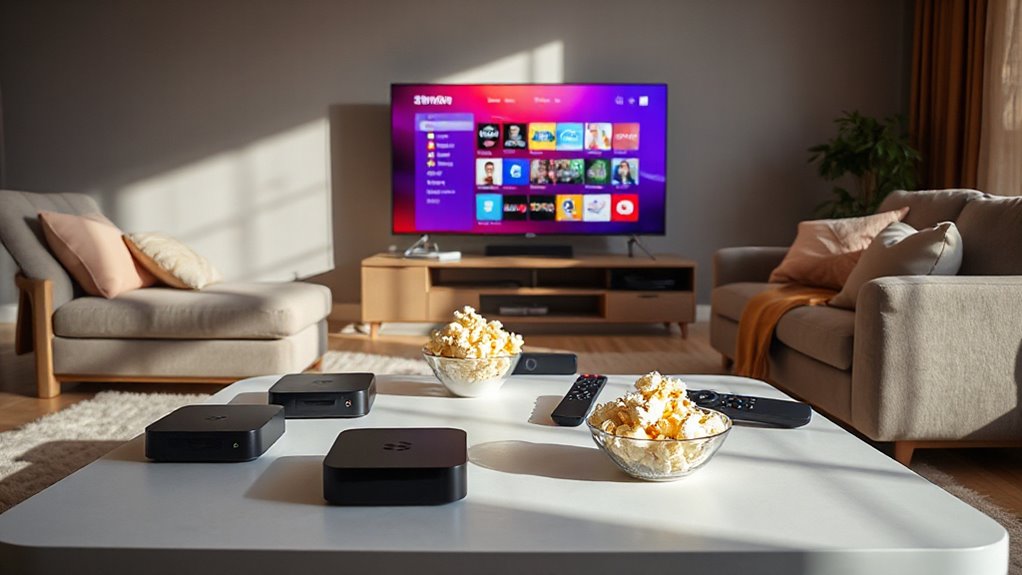

If you’ve been considering cutting the cord, you’re not alone. More folks are shifting from traditional cable to streaming devices for a more tailored entertainment experience. With so many options available, it’s important to understand what each device offers and how they fit into your lifestyle. From budget-friendly choices to premium models, the right streaming device can transform your viewing habits. Let’s explore what to look for and how to make the best choice for you.

Get your next haul delivered free with Prime
- Fast, free delivery on millions of items
- Prime Video, Amazon Music and more included
- Member-only deals all year
Key Takeaways
- Streaming devices provide access to digital content, eliminating the need for traditional cable or satellite TV subscriptions.
- Popular options include Roku, Google TV, Apple TV, Amazon Fire TV, and Nvidia Shield, each with unique features and price points.
- Key features to consider are video quality (4K, Dolby Vision), smart home integration, and voice control options for enhanced user experience.
- Price ranges vary from budget devices (~$30) to premium options (over $100), offering different performance levels and future-proofing benefits.
- Smart home compatibility allows devices to serve as hubs, enabling automation and control over various home functions alongside entertainment.
Overview of Popular Streaming Devices in 2025-2026
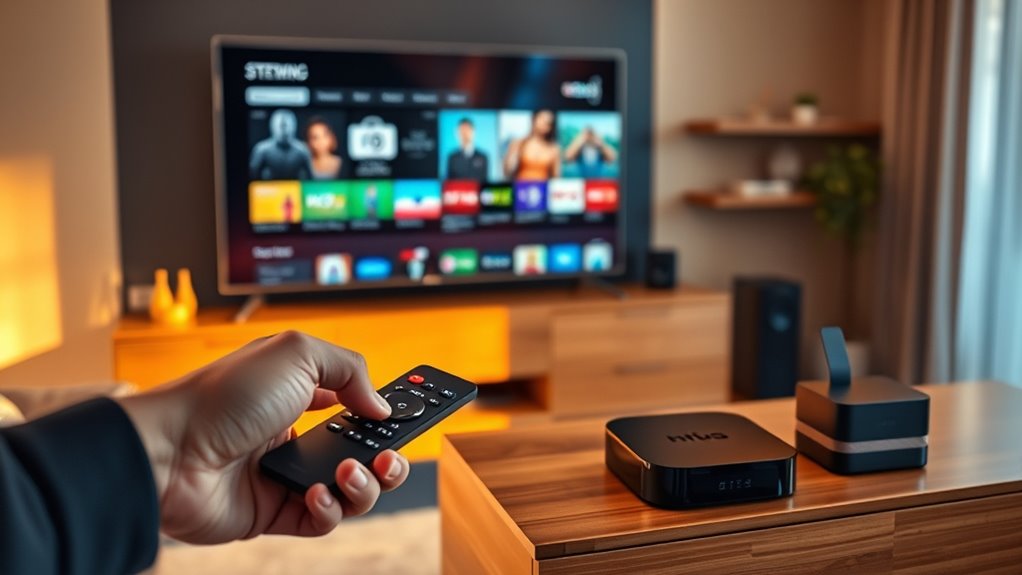
As streaming continues to dominate how we consume content, the landscape of popular devices in 2025-2026 showcases remarkable advancements. You’ll find the Roku Streaming Stick 4K, known for its affordable versatility and clean interface. The Google TV Streamer steps up with 4K Dolby Vision and smart home integration, though it comes at a higher price. Apple TV 4K (3rd Gen) offers seamless integration within the Apple ecosystem, powered by the A15 Bionic chip. The Amazon Fire TV Stick 4K Max stands out for its budget-friendly performance and Alexa support. Ultimately, the Nvidia Shield TV impresses with AI upscaling and gaming capabilities, making it a premium choice for enthusiasts. Each device caters to different preferences, ensuring options for everyone. Additionally, streaming devices are increasingly becoming part of a connected cooking experience, enhancing how we prepare and enjoy meals through integrated technology.
Key Features to Look for in Streaming Devices

When choosing a streaming device, it’s important to take into account several key features that can greatly enhance your viewing experience. First, look for video quality; support for 4K, HDR10+, and Dolby Vision can make a significant difference in picture clarity. Next, consider connectivity—Wi-Fi 6E is preferred for smooth streaming. Voice control integration, like Alexa or Google Assistant, adds convenience, especially with customizable remotes. Smart home compatibility is another plus, allowing seamless control of connected devices. Finally, verify the device has at least 32GB of storage and supports a wide range of apps for all your favorite streaming platforms. These features will help you choose a device that meets your entertainment needs. Additionally, understanding firewood safety practices can be important if you plan to enjoy your streaming experience outdoors around a fire.
Price Ranges and Value Considerations
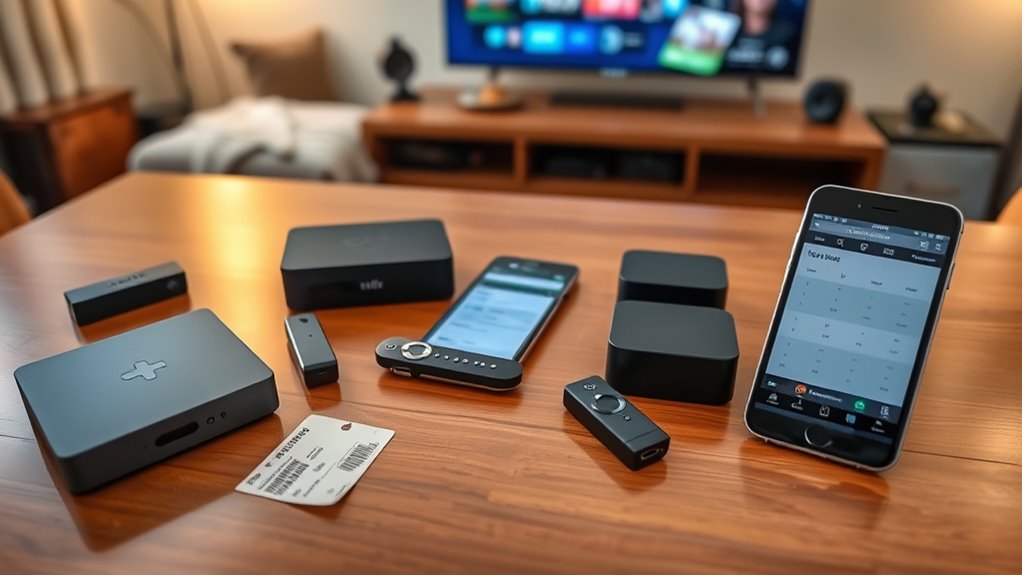
Understanding the price ranges of streaming devices can help you find the right balance between features and budget. Budget devices, typically priced around $30-$50, like the Roku Express 4K, offer basic 4K streaming without advanced features like Dolby Vision. Mid-range options, ranging from $50-$100, such as the Roku Streaming Stick 4K and Fire TV Stick 4K Max, deliver impressive performance and better connectivity. For those willing to invest over $100, premium devices like the Apple TV 4K and Nvidia Shield TV provide top-tier specs and advanced features. While higher prices often promise future-proofing, budget devices can still meet your basic streaming needs effectively. Consider how often you’ll use it to determine the best value for your situation. Additionally, keeping an eye on digital distractions can help you maximize your enjoyment and usage of these devices.
Streaming Performance and User Experience
After considering the price ranges and features that fit your budget, it’s important to look at how well these streaming devices perform in real-world usage. You’ll want smooth playback, which devices like the Amazon Fire TV Stick 4K Max deliver with their advanced Wi-Fi and RAM. A user-friendly interface can enhance your experience; Roku’s clean UI is widely praised, while Google TV Streamer offers a customizable option. Voice search accuracy is essential too—Alexa and Google Assistant make navigation a breeze. If you’re into gaming, the Nvidia Shield TV stands out with its cloud gaming capabilities. Remote control features like backlit buttons and smart home integration can also make your streaming sessions more enjoyable and convenient. Additionally, considering ventilation considerations can help ensure your streaming setup stays cool and efficient during long viewing sessions.
Compatibility and Ecosystem Integration

How well do your streaming devices fit into your existing tech ecosystem? Compatibility is key to enhancing your viewing experience. Most popular devices support major streaming platforms like Netflix, Disney+, and Hulu, ensuring you can access your favorite content seamlessly. If you’re into smart home technology, the Google TV Streamer stands out with its Matter and Thread support, acting as a hub for your devices. On the other hand, the Nvidia Shield allows for sideloading apps, giving you more flexibility. While Roku offers a user-friendly interface, it lacks Chromecast support, which could limit your casting options. Consider your preferences and existing devices to determine which streaming device integrates best into your setup. Additionally, color accuracy plays a vital role in the overall viewing experience, enhancing the visual quality of the content streamed on your device.
Trends and Future Proofing in Streaming Devices
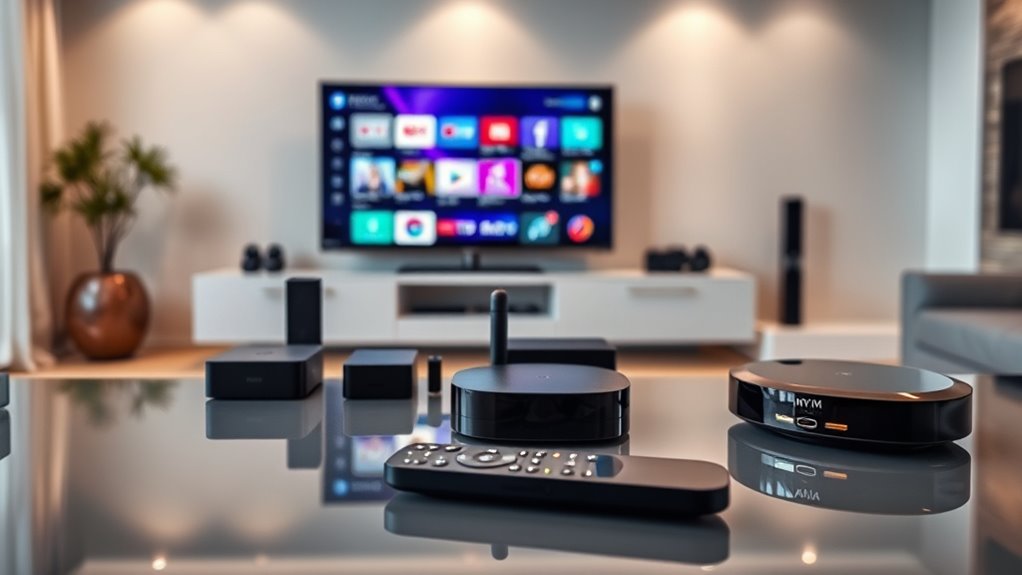
As streaming technology evolves, staying ahead of trends is crucial for maximizing your viewing experience. You’ll want to contemplate devices that support the latest Wi-Fi standards like Wi-Fi 6E and the upcoming Wi-Fi 7 for smooth streaming. Look for advancements in HDR and audio, with Dolby Vision and Dolby Atmos becoming standard features. AI is also transforming how you interact with your device, enhancing search capabilities and video quality through upscaling. Additionally, smart home integration is on the rise, with devices that support Matter and Thread protocols acting as hubs for your smart ecosystem. Ultimately, choose devices designed for longevity, featuring faster processors and more storage to ensure they remain relevant for years to come. Furthermore, consider how at-home beauty technology can complement your entertainment setup, as devices increasingly merge lifestyle and leisure functionalities.
Budget Options for Cost-Conscious Consumers

For cost-conscious consumers, finding a reliable streaming device that won’t break the bank is essential. Several budget-friendly options deliver solid performance without sacrificing quality. Here’s a quick comparison of popular choices:
| Device | Price Range | Key Features |
|---|---|---|
| Roku Express 4K | ~$30-$40 | Basic 4K streaming, HDR support |
| Amazon Fire TV Stick 4K Max | ~$40-$50 | Alexa voice remote, Wi-Fi 6E |
| Google Chromecast | ~$30-$40 | Affordable casting, easy setup |
These devices provide excellent value, making it easy to stream your favorite shows without overspending. Choose one that fits your needs and enjoy a seamless viewing experience! Additionally, consider incorporating seating areas in your entertainment space to enhance comfort during your streaming sessions.
Mid-Range Devices: Balancing Performance and Price
While budget devices offer basic functionality, mid-range streaming options strike a balance between performance and price, catering to those who want enhanced features without a premium cost. Devices like the Roku Streaming Stick 4K and Amazon Fire TV Stick 4K Max provide excellent 4K streaming with Dolby Vision support, ensuring vibrant picture quality. You’ll appreciate faster load times thanks to improved Wi-Fi connectivity. These options also come with voice remote controls for added convenience. Plus, their wide app support means you can access all your favorite streaming platforms. By investing a bit more, you get a smoother, more enjoyable viewing experience without breaking the bank, making mid-range devices a smart choice for many users. Additionally, many of these devices benefit from energy-efficient cloud solutions, which enhance their overall performance and sustainability.
Premium Streaming Devices for Ultimate Experience
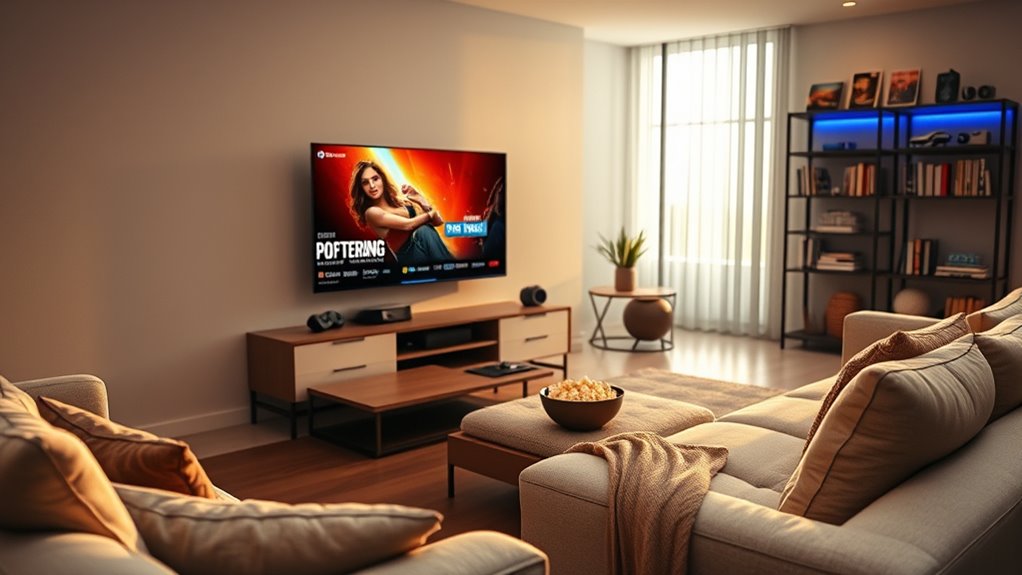
If you’re looking for the ultimate streaming experience, premium devices are where it’s at. With top performance features and seamless smart home integration, these options elevate your viewing to new heights. You’ll enjoy brilliant visuals and easy control over your connected devices, making your entertainment setup truly exceptional. Additionally, many premium devices support voice assistants that can help you manage other smart home features while you stream your favorite shows.
Top Performance Devices
When you’re searching for the ultimate streaming experience, premium devices stand out with their exceptional performance and advanced features. Here’s a quick look at some of the top performers:
| Device | Key Features |
|---|---|
| Roku Streaming Stick 4K | Fast interface, Dolby Vision, long-range Wi-Fi |
| Apple TV 4K (3rd Gen) | A15 Bionic chip, Spatial Audio, seamless integration |
| Nvidia Shield TV | AI upscaling, GeForce Now, Dolby Vision-Atmos |
These devices offer superb video quality, quick load times, and voice control options, ensuring you enjoy your favorite content without interruptions. Investing in one of these premium devices guarantees an unparalleled streaming experience tailored to your needs. Additionally, ensure that your home setup includes safe electrical wiring to support these devices for optimal performance.
Smart Home Integration
Smart home integration has become a game-changer for premium streaming devices, enhancing your overall entertainment experience. With the right device, you can control your smart home seamlessly while enjoying your favorite shows. Here’s what to expect:
- Voice Control: Use Alexa or Google Assistant to manage your streaming and smart devices effortlessly.
- Centralized Hub: Devices like the Google TV Streamer can act as a hub for your smart home, connecting various devices.
- Matter and Thread Support: Enjoy seamless compatibility with a variety of smart home products.
- Automated Routines: Set schedules or routines that link your streaming experiences with other home functions, like dimming lights during movie time.
Embrace the future by integrating your streaming device with your smart home for an unparalleled experience!
Frequently Asked Questions
Can I Access Local Channels With Streaming Devices?
Yes, you can access local channels with streaming devices. Many services like Hulu + Live TV, YouTube TV, and Sling TV offer live streaming of local channels based on your location. If you’re using an antenna, some devices like Roku and Fire TV support connecting to it for local broadcasts. Just make sure to verify the streaming service‘s availability in your area to guarantee you get the channels you want. Happy streaming!
How Do I Set up a Streaming Device?
To set up your streaming device, first, plug it into your TV’s HDMI port and connect it to a power source. Turn on your TV and select the corresponding HDMI input. Follow the on-screen prompts to connect to your Wi-Fi network and sign in to your streaming accounts. Once everything’s set up, you can browse and download apps for your favorite shows. Enjoy your streaming experience!
What Internet Speed Is Required for Smooth Streaming?
For smooth streaming, you’ll want at least 25 Mbps for HD content and around 50 Mbps for 4K. If you’re sharing your connection with multiple devices, consider boosting that speed to avoid buffering. Remember, higher speeds mean better quality and fewer interruptions. It’s also wise to use a wired connection if possible, as it offers more stability than Wi-Fi, especially during peak usage times. Enjoy your streaming!
Are Streaming Devices Portable for Travel?
Absolutely, streaming devices are surprisingly portable for travel—who would’ve thought? You can easily pack your Roku or Fire TV Stick in your bag, but don’t forget the HDMI cable and power supply! Once you find a compatible TV, you’re ready to stream your favorites. Just connect to Wi-Fi, and you’re in business. So, whether you’re in a hotel or visiting friends, your entertainment doesn’t have to take a vacation.
Can I Use a Streaming Device Without a Smart TV?
Yes, you can use a streaming device without a smart TV. Just connect the streaming device, like a Roku or Fire TV Stick, to your regular TV’s HDMI port. As long as your TV has an HDMI input, you’re set! You’ll still need a stable internet connection for streaming, but it’ll give you access to all your favorite apps and services. Enjoy your shows without needing a smart TV!
Conclusion
As you navigate the world of streaming devices, remember that the right choice can transform your viewing experience. With so many options available, isn’t it exciting to think about curling up on your couch, remote in hand, ready to plunge into endless entertainment? Whether you’re after budget-friendly options or premium devices, you’ll find the perfect fit for your needs. Embrace the future of TV and enjoy tailored content that’s just a click away.
Halloween Picks
halloween
As an affiliate, we earn on qualifying purchases.