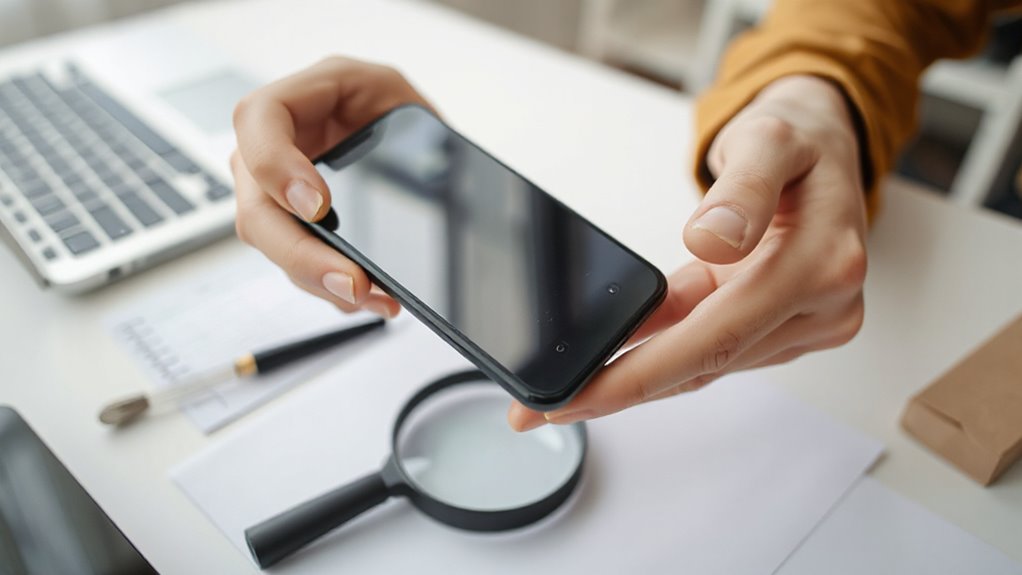

To buy a used phone safely, start by verifying the seller’s credibility and checking their reviews or reputation. Ask for proof of identity and device history, including recent repairs or reports of theft. Meet in a secure location for an in-person test, ensuring all features work and the phone is compatible with your carrier. Use trusted payment methods to protect yourself. Keep these tips in mind, and you’ll be well on your way to securing a reliable second-hand smartphone.

Get your next haul delivered free — and shop member deals
- Fast, free delivery on millions of items
- Access to Prime Big Deal Days deals on October 6–7
- Prime Video, Amazon Music and more included
Key Takeaways
- Verify seller credibility through reviews, proof of identity, and reputable platforms to avoid scams.
- Request device history reports and check IMEI status to ensure the phone isn’t stolen or damaged.
- Inspect the device in person, testing key features and compatibility with your carrier before purchase.
- Use trusted sources and secure payment methods to minimize risks associated with used phones.
- Trust your instincts and avoid deals that seem too good or lack transparency for a safer buying experience.

Buying a used phone can save you money, but it also comes with risks if you’re not careful. The key to making a smart purchase is to verify the seller’s credibility and gather as much information about the device as possible. Seller verification is essential because it helps guarantee you’re buying from someone legitimate and not a scammer. Ask for proof of identity or look for reputable platforms that verify sellers before listing their devices. Avoid deals that seem too good to be true or sellers who dodge questions about the phone’s origins. Instead, focus on sellers with positive reviews and a history of transparent transactions. This reduces the risk of ending up with stolen or faulty equipment.
Verifying the seller and understanding the device’s history are crucial for a safe used phone purchase.
Next, you want to understand the device’s history thoroughly. Request details about the phone’s previous usage, whether it was involved in any accidents, or if it has any outstanding issues. Many sellers can provide a device history report or tell you about recent repairs or replacements. You can also use online tools to check the device’s IMEI or serial number, which reveals if the phone has been reported lost or stolen, or if it’s under any contractual obligations. Knowing the device history helps you avoid buying a phone that’s previously damaged, heavily repaired, or flagged for theft.
When verifying the seller, don’t just rely on their word. If possible, meet in person in a safe, public place where you can inspect the device firsthand. Test the phone’s key features—touchscreen response, buttons, camera, and charging port—to guarantee they work properly. Also, confirm that the phone is unlocked or compatible with your carrier, which can be verified by inserting your SIM card during the inspection. If buying online, ask for clear photos and detailed descriptions, and consider using secured payment methods that offer buyer protection. Additionally, be aware that some risks can be mitigated by understanding vetted sellers and devices, which emphasizes the importance of trusted sources in the used phone market.
Throughout the process, trust your instincts. If something feels off—like vague answers or reluctance to share information—look elsewhere. Taking these steps to verify the seller and understand the device’s history minimizes your chances of purchasing a problematic phone. It’s worth investing a little extra time upfront to avoid costly issues later. By doing your homework and being cautious, you increase your chances of getting a reliable, high-quality used phone that fits your needs and budget.
Frequently Asked Questions
How Can I Verify a Phone’s Original Ownership History?
You can verify a phone’s original ownership history by checking its ownership records and performing a serial number verification. Contact the manufacturer or use official tools to confirm the serial number matches their database, making sure it’s not stolen. Review the ownership records or receipts provided by the seller, and ask for proof of purchase. This way, you guarantee the phone’s history is legitimate before buying.
What Are the Signs of a Refurbished Versus a Used Phone?
Refurbished phones often have minor cosmetic differences, like small scratches or signs of repair, unlike used phones which may show more wear. Check the packaging quality—refurbished devices usually come in official boxes with seals, while used phones might lack original packaging. Look for consistent branding and accessories, as refurbished units tend to have better presentation. These signs help you distinguish between a refurbished and a used phone confidently.
Is It Safe to Buy From Online Marketplaces?
Buying from online marketplaces can be risky due to marketplace scams, but you can stay safe by checking the seller’s reputation and reviews thoroughly. Always prioritize sellers with high ratings and positive feedback. Avoid deals that seem too good to be true, and use secure payment methods. If you’re cautious and do your research, you can reduce the chances of encountering problems and confidently purchase a used phone online.
How Do I Check if a Phone Is Blacklisted or Stolen?
You might think it’s obvious, but checking if a phone is blacklisted or stolen is essential. Start with an IMEI check on reputable sites to see if it’s flagged. Don’t forget to verify the carrier lock status, ensuring it isn’t restricted to a different network. Irony’s lost on those who skip this step and end up with a brick. Protect yourself—always verify before buying.
What Warranties or Guarantees Are Available for Second-Hand Phones?
You can often find manufacturer warranties on second-hand phones if they’re still valid, but these usually expire after a certain period. Many sellers also offer third-party guarantees or return policies, giving you extra peace of mind. Always ask about the warranty coverage before buying, and verify the terms. Keep in mind that warranties might not cover all damages, so understanding what’s included helps you protect your purchase.
Conclusion
Buying a used phone can save you money, but it pays to be cautious. By checking the device thoroughly and verifying its history, you can avoid falling into a trap. Remember, it’s better to be safe than sorry—don’t rush into a deal without doing your homework. With the right precautions, you’ll get a reliable phone and avoid headaches down the road. Play it smart, and you’ll come out ahead in the end.
Halloween Picks
halloween
As an affiliate, we earn on qualifying purchases.