
To create an efficient home office, prioritize ergonomic accessories like adjustable chairs and keyboards to reduce strain. Invest in smart home devices such as automated lighting and thermostats for comfort. Reliable internet with a high-quality router and multiple devices guarantees smooth connectivity. Add visual presentation tools like projectors for better collaboration. Incorporate smart assistants and automation to streamline tasks. Keep exploring to discover how these gadgets can transform your remote work setup seamlessly.
Key Takeaways
- High-speed internet devices like mesh routers ensure seamless connectivity for remote work.
- Ergonomic accessories such as adjustable chairs, keyboards, and mice promote comfort and reduce strain.
- Visual presentation tools like projectors and dual monitors enhance collaboration and productivity.
- Smart home integrations, including smart lighting and thermostats, create a comfortable, efficient workspace environment.
- Voice assistants and automation systems help manage schedules and control devices hands-free for increased efficiency.
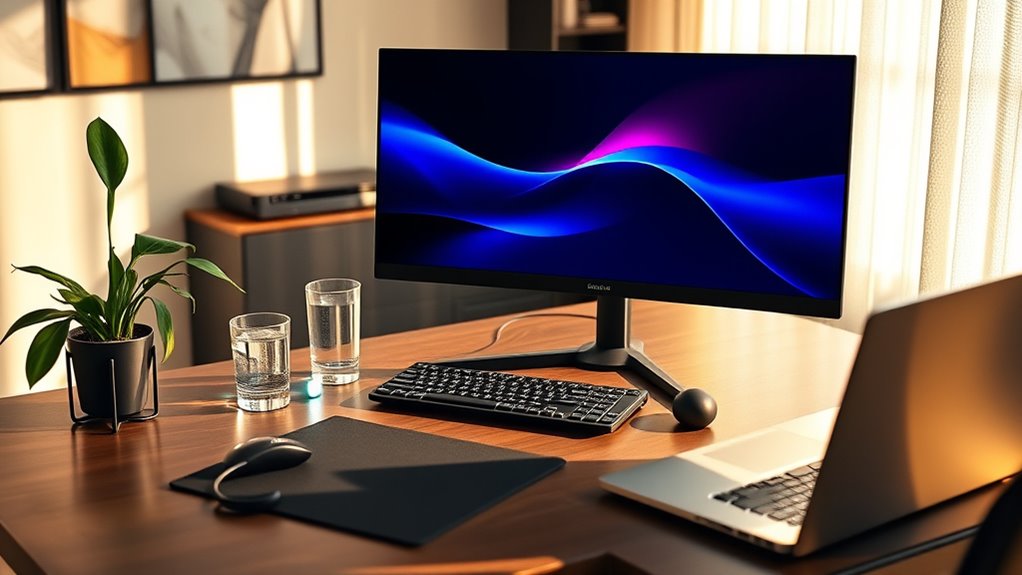
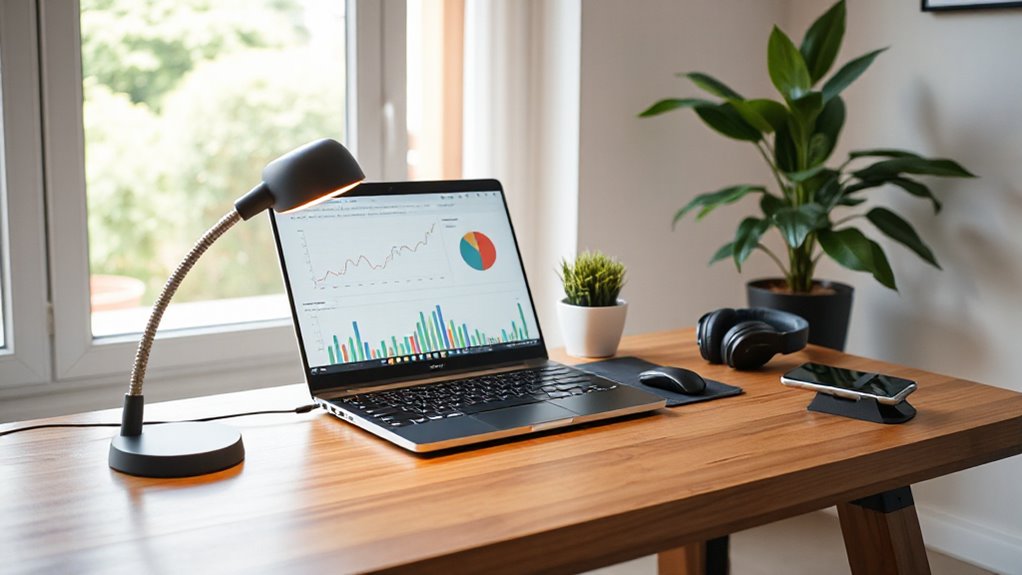
Setting up a functional home office starts with the right tech essentials. When you prioritize ergonomic accessories, you’re investing in your comfort and productivity. A good ergonomic chair and an adjustable desk help prevent strain and fatigue during long work hours. Pair these with an ergonomic keyboard and mouse designed to reduce wrist stress. These accessories might seem small, but they make a significant difference in your daily comfort and overall health. When your body is properly supported, you can focus better and avoid common issues like back pain or repetitive strain injuries.
Prioritize ergonomic accessories for comfort, health, and increased productivity during long work hours.
In addition to ergonomic accessories, smart home integrations can streamline your workspace. By connecting your devices to a smart home system, you can control lighting, temperature, and even certain appliances with voice commands or automation routines. For instance, integrating smart lighting allows you to adjust brightness and color temperature based on the time of day or your activity, reducing eye strain and boosting focus. Smart thermostats help maintain a comfortable environment without constant manual adjustments, creating an ideal climate for working efficiently. These integrations make your home office more intuitive, allowing you to save time and stay concentrated on your tasks.
A reliable internet connection is another cornerstone of your home office setup. Consider investing in a high-speed router with mesh capabilities to ensure seamless connectivity across your workspace, especially if you have multiple devices running simultaneously. A good webcam and microphone are essential for clear virtual meetings, making communication smooth and professional. You’ll also want a quality monitor or dual screens to increase your productivity, giving you more screen real estate for multitasking or detailed work. A power strip with surge protection ensures all your devices stay powered and safe from electrical surges, reducing the risk of data loss or damage.
Furthermore, understanding the importance of projector technology can be beneficial if you need to give presentations or collaborate visually with remote colleagues. Incorporating a home projector into your setup can enhance your workflow and make meetings more engaging.
Incorporating smart home integrations with your tech setup isn’t just about convenience; it’s about creating a seamless environment where technology works for you. Voice assistants can help manage your schedule, set reminders, or even control your smart devices without interrupting your workflow. As you assemble your home office, keep in mind that these tech essentials aren’t just gadgets—they’re tools that enhance your comfort, efficiency, and overall work experience. When you create a space that prioritizes ergonomic comfort and smart control, you set yourself up for success—making remote work more manageable, enjoyable, and productive.

Marsail Ergonomic Office Chair: Office Desk Chair with High Back Mesh and Adjustable Lumbar Support Rolling Work Swivel Task Chairs with Wheel 3D Armrests and Headrest
- Fully Adjustable Headrest: 2D adjustable for personalized support
- Reclining Backrest: Adjusts from 90° to 120°
- 3D Armrests: Multi-directional for comfort
As an affiliate, we earn on qualifying purchases.
As an affiliate, we earn on qualifying purchases.
Frequently Asked Questions
How Can I Improve My Home Wi-Fi Signal for Remote Work?
To improve your home Wi-Fi signal for remote work, start by placing Wi-Fi extenders or signal boosters strategically around your house, especially near your workspace. These devices amplify your existing signal, reducing dead zones and increasing speed. Make sure your router is in a central location, away from obstructions, and update its firmware regularly. These steps guarantee a stronger, more reliable connection for your remote work needs.
What Are the Best Noise-Canceling Headphones for Home Offices?
You should consider the Sony WH-1000XM5 for the best noise-canceling headphones. They offer exceptional wireless connectivity, ensuring your audio stays seamless during calls. The audio quality is crystal clear, making it easy to focus on work or enjoy music during breaks. Their advanced noise cancellation blocks out background noise effectively, creating a quiet environment. Plus, they’re comfortable for long wear, boosting your productivity and overall remote work experience.
How Do I Choose the Right Ergonomic Desk and Chair?
To choose the right ergonomic desk and chair, start by setting your desk height so your elbows are at a 90-degree angle when typing. Look for a chair with good lumbar support to maintain proper spinal alignment. Test different heights and support features to find what feels comfortable for long hours. Prioritize adjustability, so you can customize your setup for ideal comfort and productivity.
Which Portable Gadgets Are Ideal for Remote Work on the Go?
You’ll want portable chargers and travel routers for remote work on the go. Portable chargers keep your devices powered during long travel days, ensuring you stay connected and productive. Travel routers create a secure Wi-Fi connection, especially in unfamiliar spots, so you can work seamlessly. These gadgets are compact, reliable, and essential for maintaining your workflow wherever your work takes you. Stay connected and efficient with these must-have travel tech tools.
What Security Measures Should I Take for Remote Work Devices?
You should enable device encryption to protect your data and guarantee only authorized access. Always use a reliable VPN when connecting to public Wi-Fi or untrusted networks to secure your internet traffic. Keep your software and security patches up to date, and avoid sharing sensitive information. These steps help safeguard your remote work devices from potential cyber threats and ensure your work remains confidential.

TP-Link Deco X55 AX3000 WiFi 6 Mesh System – Covers up to 6500 Sq.Ft, Replaces Wireless Router and Extender, 3 Gigabit Ports per Unit, Supports Ethernet Backhaul, Deco X55(3-Pack)
- Wi-Fi 6 Mesh Technology: AX3000 speeds for seamless connectivity
- Wide Coverage: Up to 6500 sq. ft. of Wi-Fi coverage
- High Device Capacity: Connects up to 150 devices
As an affiliate, we earn on qualifying purchases.
As an affiliate, we earn on qualifying purchases.
Conclusion
Your home office is the lighthouse guiding your productivity through the fog of daily distractions. The gadgets you choose are like the sturdy beams and shining lanterns that keep your work steady and bright. When you equip yourself with these essentials, you illuminate your path to success, turning your workspace into a beacon of focus and efficiency. Embrace these tools, and let your remote work journey shine with clarity and purpose.

Kado 2-Pack Dual 27" Curved 1500R 1920×1080 75Hz FHD Computer Monitor
- Dual Monitor Setup: Seamless curved dual display for immersive use
- Ergonomic Design: 1500R curvature reduces eye and neck strain
- Fast Response Time: Minimizes ghosting and blurring during fast action
As an affiliate, we earn on qualifying purchases.
As an affiliate, we earn on qualifying purchases.

Sensi Lite Smart Thermostat, WiFi, Alexa, DIY, Energy Star Certified, ST25
- Easy DIY Installation: Includes built-in level and step-by-step guide
- Compatible with Most HVAC Systems: Requires common wire for heat pump systems
- Energy Savings: Saves approximately 23% on HVAC energy costs
As an affiliate, we earn on qualifying purchases.
As an affiliate, we earn on qualifying purchases.